18
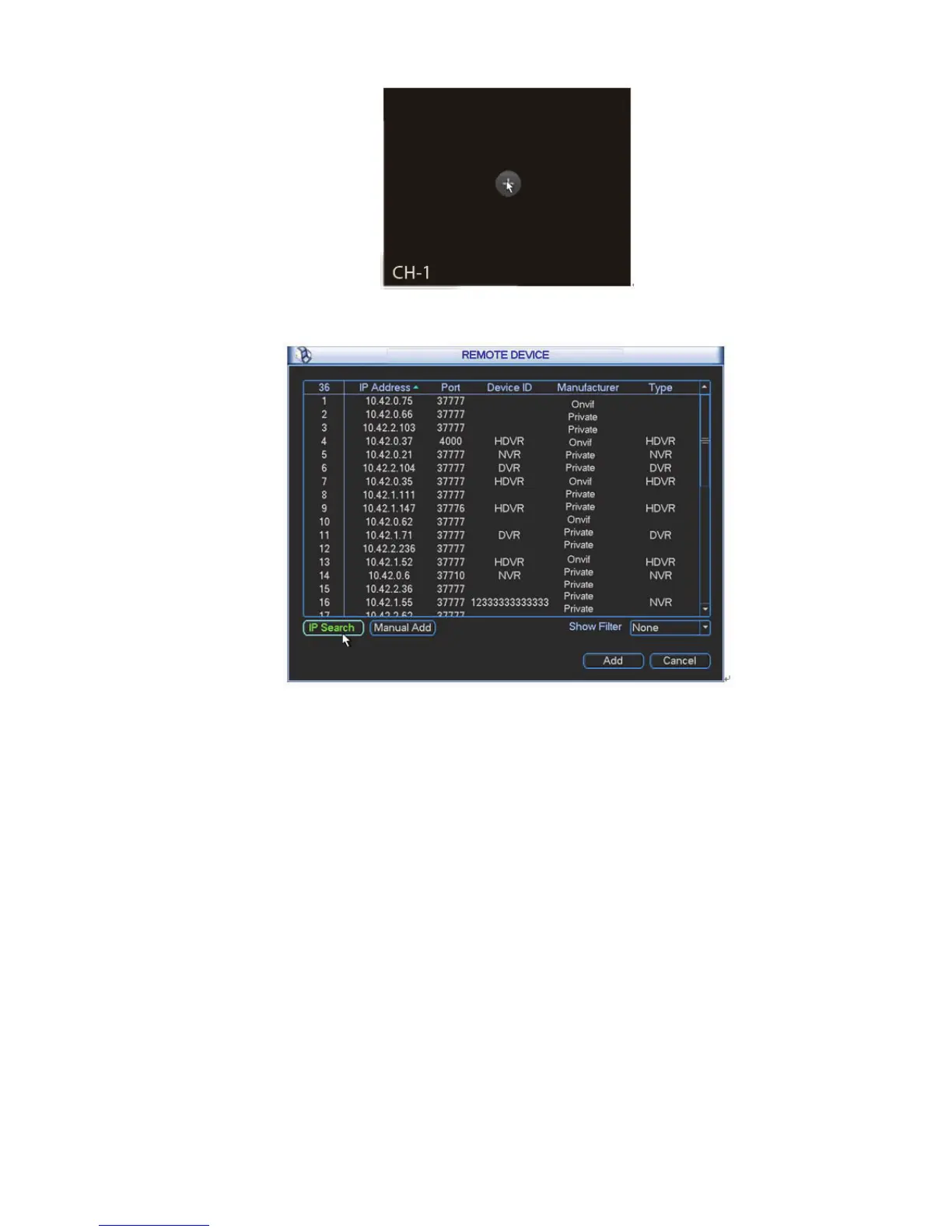
Figure 2-18
Figure 2-19
2.6.5 Remote Device Info
Please go to the main menu->system info, click the remote device info button to view the detailed
information. It includes remote device channel status, connection log and network load and etc. Please
refer to the user’s manual for detailed information.
$GYDQFHG+''0DQDJHPHQW
Here is for you to view and implement hard disk management (main menu->Advanced->HDD
management). See Figure 2-20.
You can see current HDD type, status, capacity and record time. The operation includes format HDD,
resume from error or change HDD property (Read/write HDD, read-only HDD). It can also set the HDD
alarm and HDD specified storage setup.



 To Next Page