12
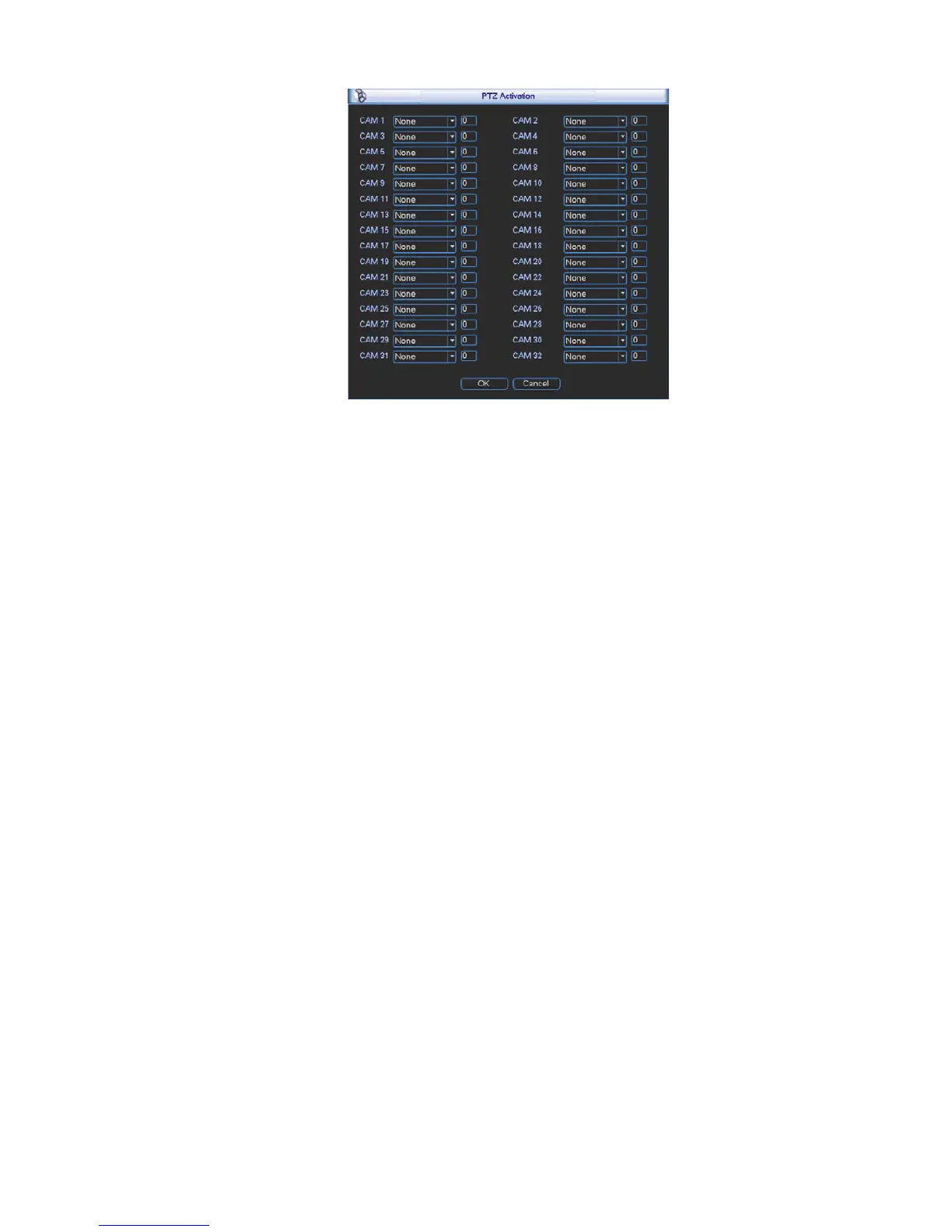
Figure 2-8
Please note:
z Slight difference may be found in the user’s interface, due to various protocols.
z Please make sure the speed domes A/B cables are properly connected to the A/B ports of NVR.
z You have properly set PTZ information. (Main menu->Setting->PTZ).
z Please switch camera monitor channel to current window.
2.5.1 PTZ Setup
The pan/tilt/zoom setup includes the following items. Please select channel first. See Figure 2-9.
z Channel: Please select the connected IPC.
z PTZ type: Please select from the dropdown list. There are two options: local/remote.
z Protocol: Select corresponding PTZ protocol such as PELCOD.
z Address: Input corresponding PTZ address.
z Baud rate: Select baud rate. Default value is 9600.
z Data bit: Select data bit. Default value is 8.
z Stop bit: Select stop bit. Default value is 1.
z Parity: There are three choices: none/odd/even. Default value is none.



 To Next Page