113
Password Input the password of the new established account.
Confirm Input the password of the new established account again.
Group Select the group which the new account belongs to.
Memo Memo about the new account
Authority/All User can select all to entitle this account to all authorities or set authority of each
item respectively.
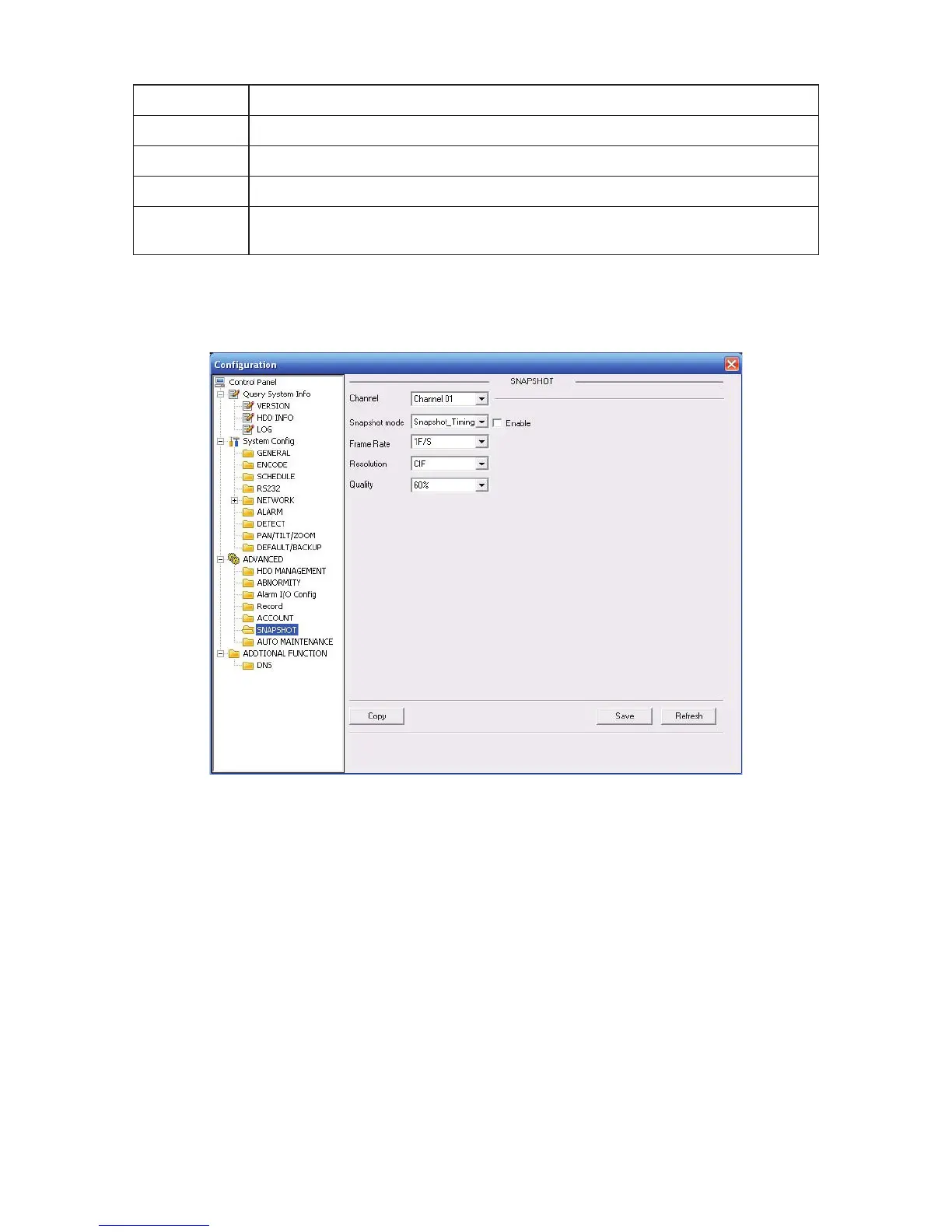
6.4.3.6 Snapshot
Snapshot interface is shown as in Figure 6-52.
Here you can set snap mode, frequency, resolution and quality of each channel.
Figure 6-52
6.4.3.7 Auto Maintenance
Here you can select auto reboot and auto delete old files interval from the dropdown list. See
Figure 6-53.



 To Next Page