70
4.7.6 Auto Maintenance
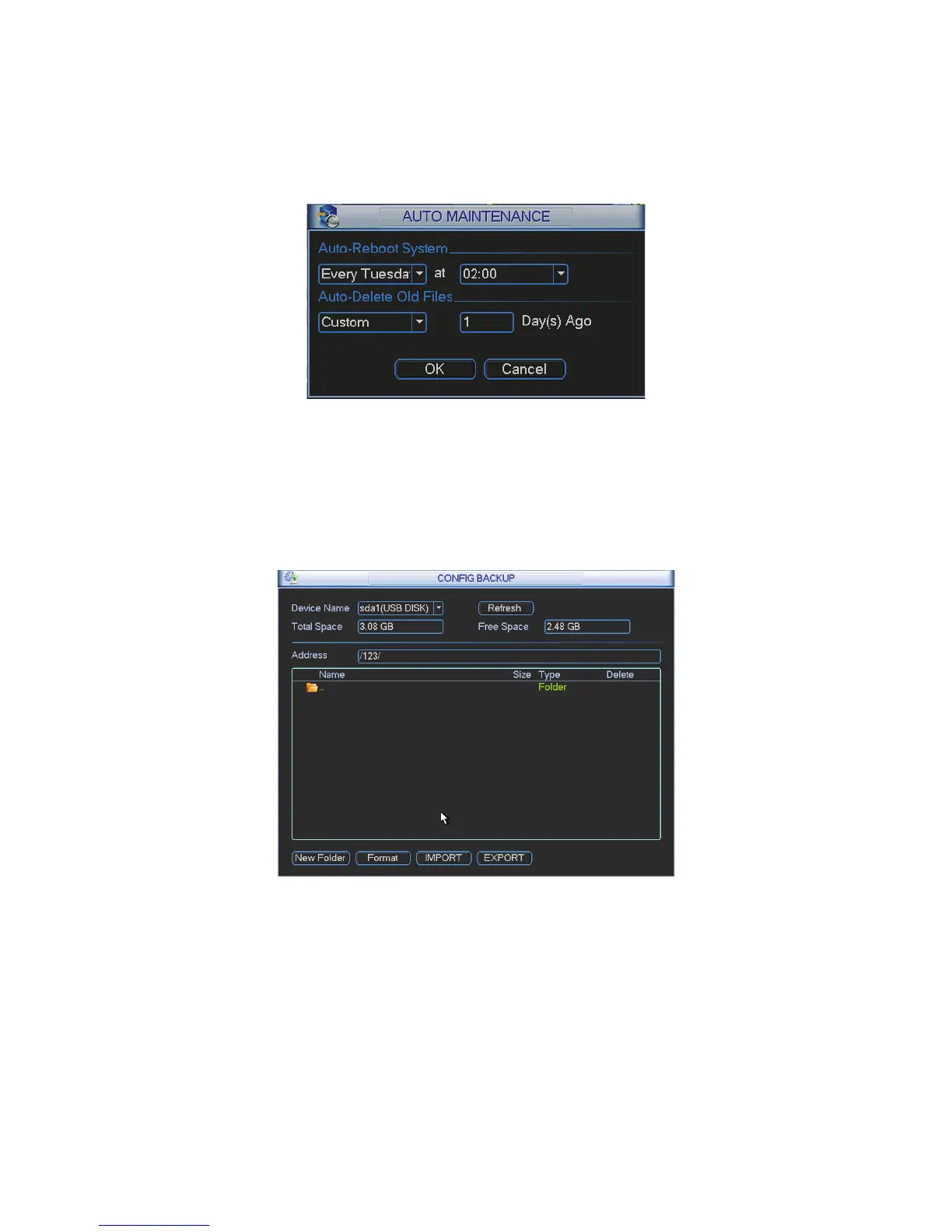
Here you can set auto-reboot time and auto-delete old files setup. You can set to delete the files
for the specified days. See Figure 4-95.
You can select proper setup from dropdown list.
After all the setups please click save button, system goes back to the previous menu.
Figure 4-95
4.7.7 Config Backup
The configuration file backup interface is shown as below. See Figure 4-96.
This function allows you to copy current system configuration to other devices. It also supports
import, create new folder, delete folder and etc function.
Figure 4-96
Double click shutdown button, system pops up a dialogue box for you to select. See Figure 4-97.
z Logout menu user: log out menu. You need to input password when you login the next time.
z Restart application: reboot device.
z Shutdown: system shuts down and turns off power.
z Restart system: system begins rebooting.
z Switch user: you can use another account to login.



 To Next Page