24
Figure 4-17
4.5.7.2 Network Load
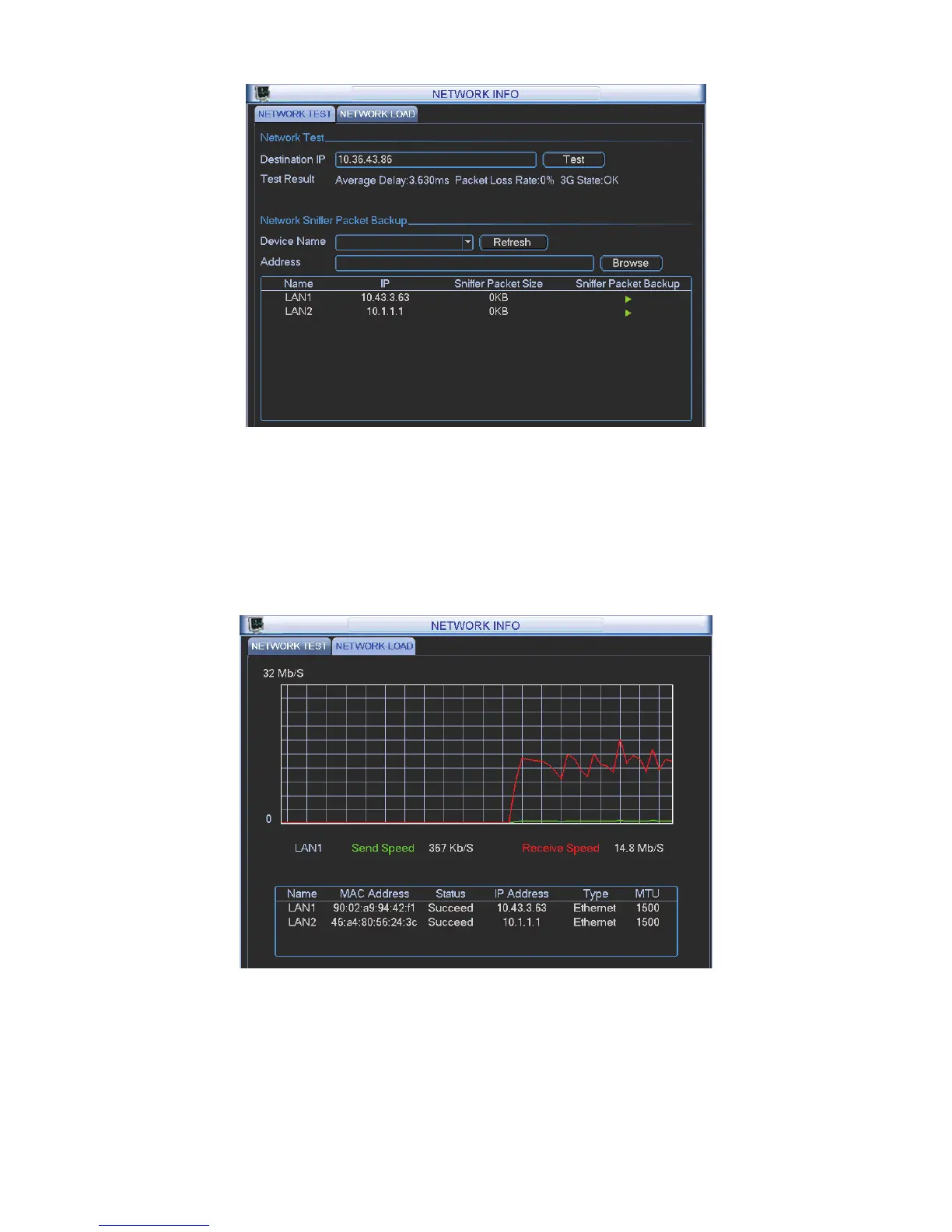
Network load is shown as in Figure 4-18. Here you can view the follow statistics of the device
network adapter.
Here you can view information of all connected network adapters. The connection status is shown
as offline if connection is disconnected. Click one network adapter, you can view the flow statistics
such as send rate and receive rate at the top panel
Figure 4-18
In main menu, highlight setting icon and double click mouse. System setting interface is shown as
below. See Figure 4-19.



 To Next Page