7
Port Name Connection Function
MIC OUT Audio output
port
/
Audio output port. It is to output the analog
audio signal to the devices such as the sound
box.
z Bidirectional talk output.
z Audio output on 1-window video monitor.
z Audio output on 1-window video
playback.
eSATA eSATA port
/
External SATA port. It can connect to the
device of the SATA port. Please jump the
HDD when there is peripheral connected
HDD.
Please refer to the steps listed below.
z Connect the alarm input device to the alarm input port.
z Connect the alarm output device to the alarm output port. The NO and NC alarm output
device can connect to the NO/C/NC port. For the NO alarm device, please connect to the
NO/C ports. For the NC alarm device, please connect to the NC/C ports. Please note the
NO/C ports are for NO alarm device only.
z Open Web, and go to the Alarm setup interface to set the alarm input and output. The alarm
01 is corresponding to the first channel of the device I/O port and so on. Please set the
NO/NC type according to the high/low level the alarm input device generated when an alarm
occurred
z Set the alarm output on the Web. The alarm output 01 is corresponding to the first group of
alarm out put port.
2.4.1 Device-end to PC-end
Device Connection
Please connect the speaker or the pickup to the first audio input port in the device rear panel.
Then connect the earphone or the sound box to the audio output port in the PC.
Login the Web and then enable the corresponding channel real-time monitor.
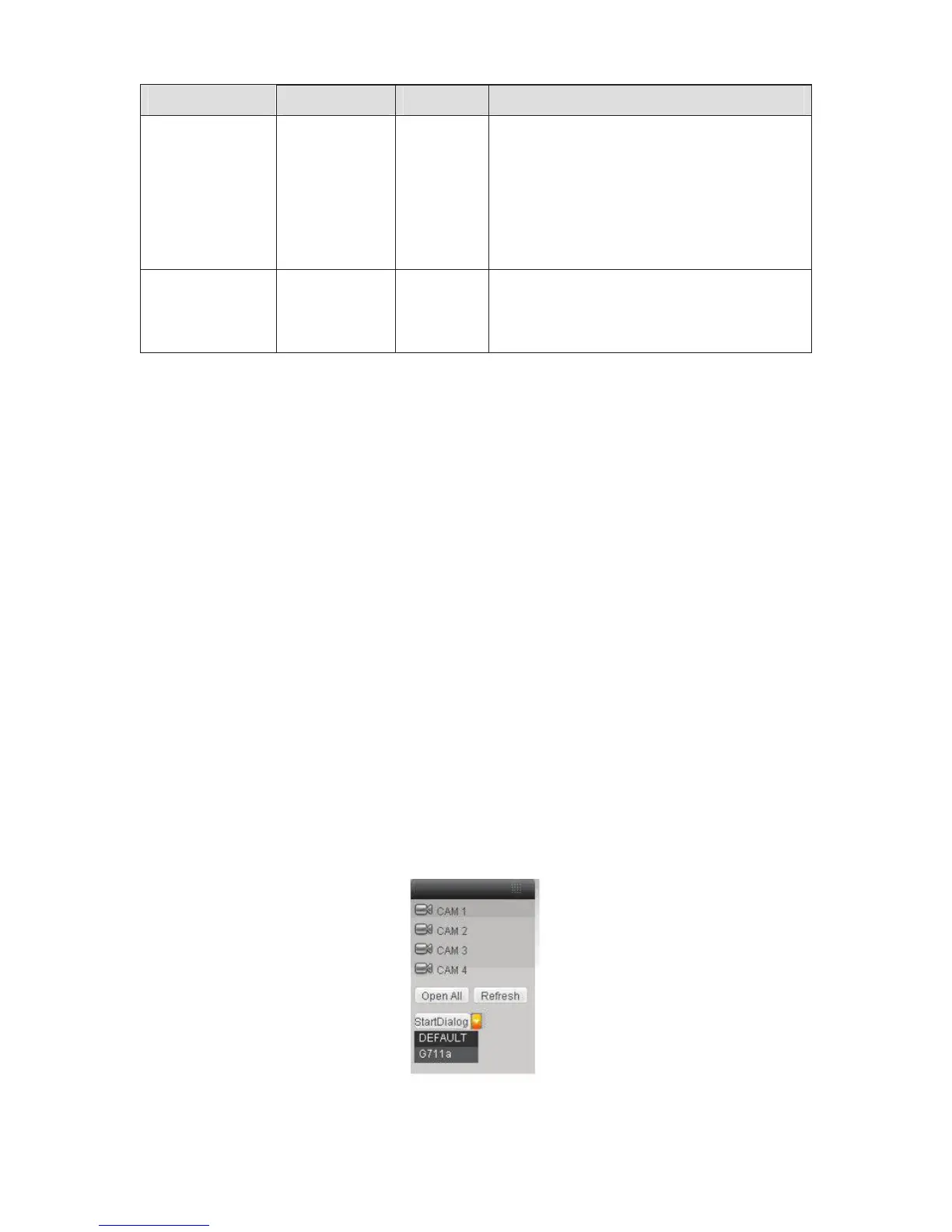
Please refer to the following interface to enable bidirectional talk. See Figure 2-3.
Figure 2-3



 To Next Page