108
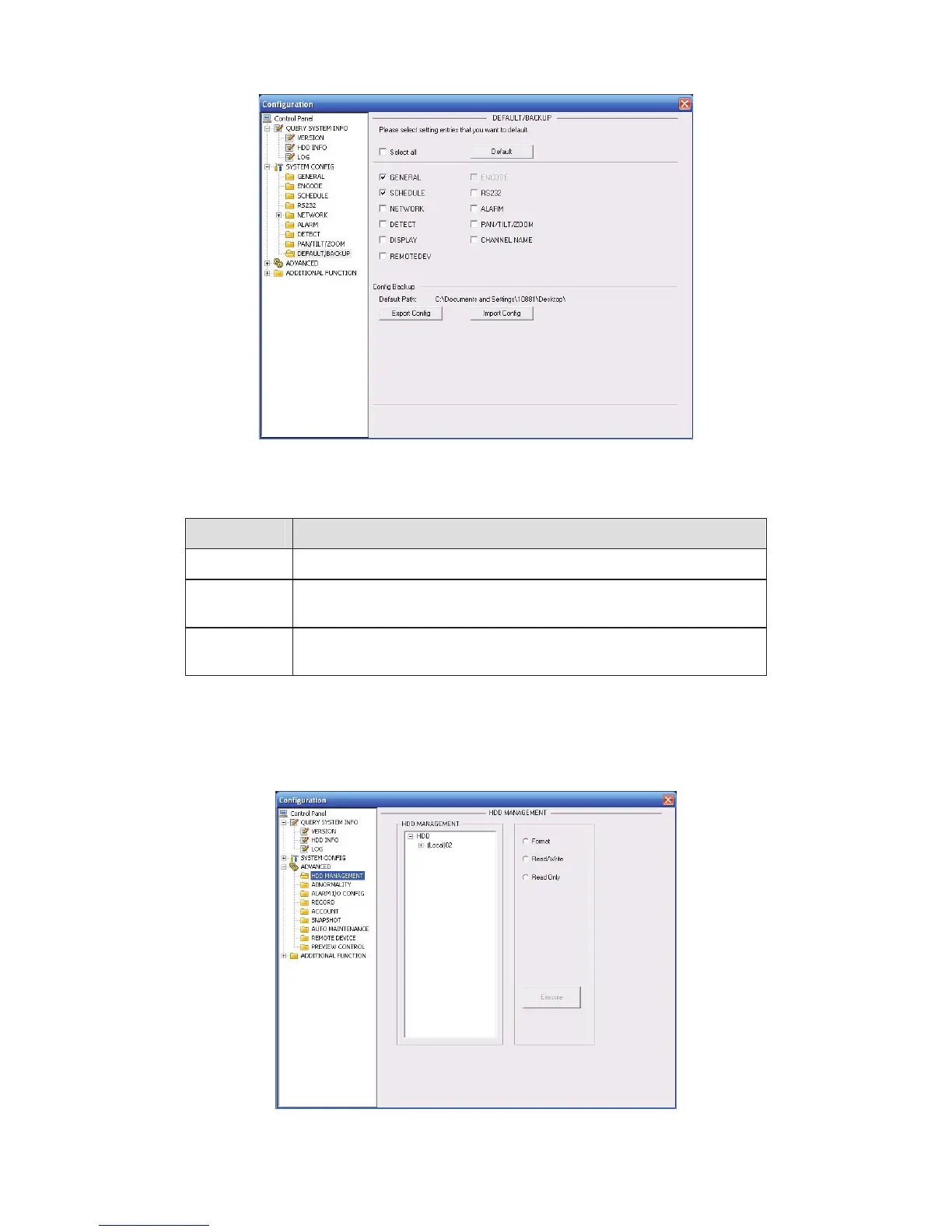
Figure 6-44 Default and Backup
Please refer to the following sheet for detailed information.
Parameter Function
Select All Restore factory default setup.
Export
Configuration
Export system configuration to local PC.
Import
Configuration
Import configuration from PC to the system.
6.4.3 Advanced
6.4.3.1 HDD Management
Please select the storage device first and then you can see the items on your right become valid.
You can check the corresponding item here. See Figure 6-45.
Figure 6-45 HDD Management



 To Next Page