79
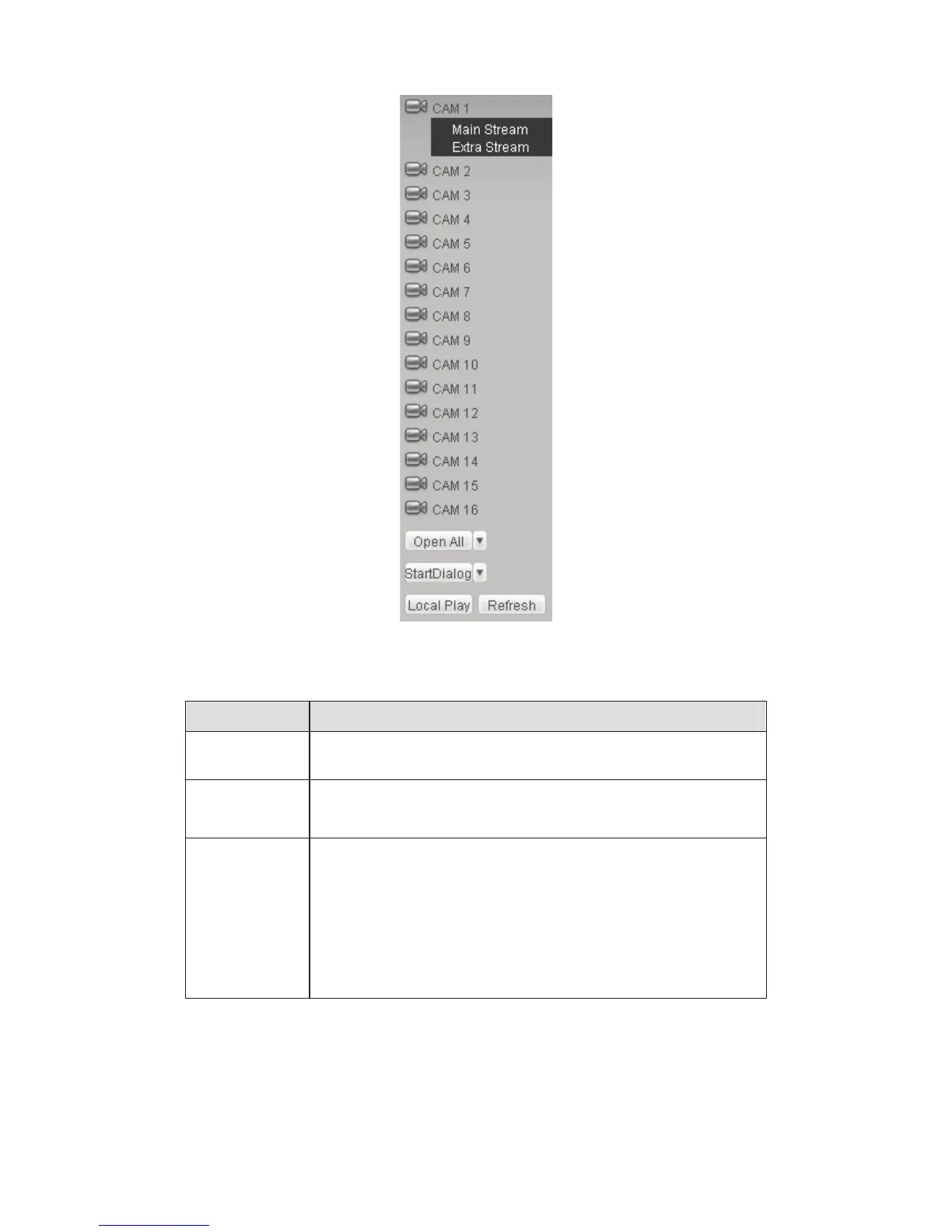
Figure 6-5 Monitor Channel Menu Tree
Please refer to the following sheet for detailed information.
Parameter Function
CAM 1 to CAM
16
channel 1 to channel 16
Open all /close
all
Click this button to open all video channels.
Once all video channels are open, it becomes close all button.
Start Dialogue
You can click this button to enable audio talk. Click Ǐǐ to
select bidirectional talk mode. There are four options: DEFAULTˈ
G711aˈG711u and PCM.
Please note, the audio input port from the device to the client-end
is using the first channel audio input port. During the bidirectional
talk process, system will not encode the audio data from the
1-channel.



 To Next Page