123
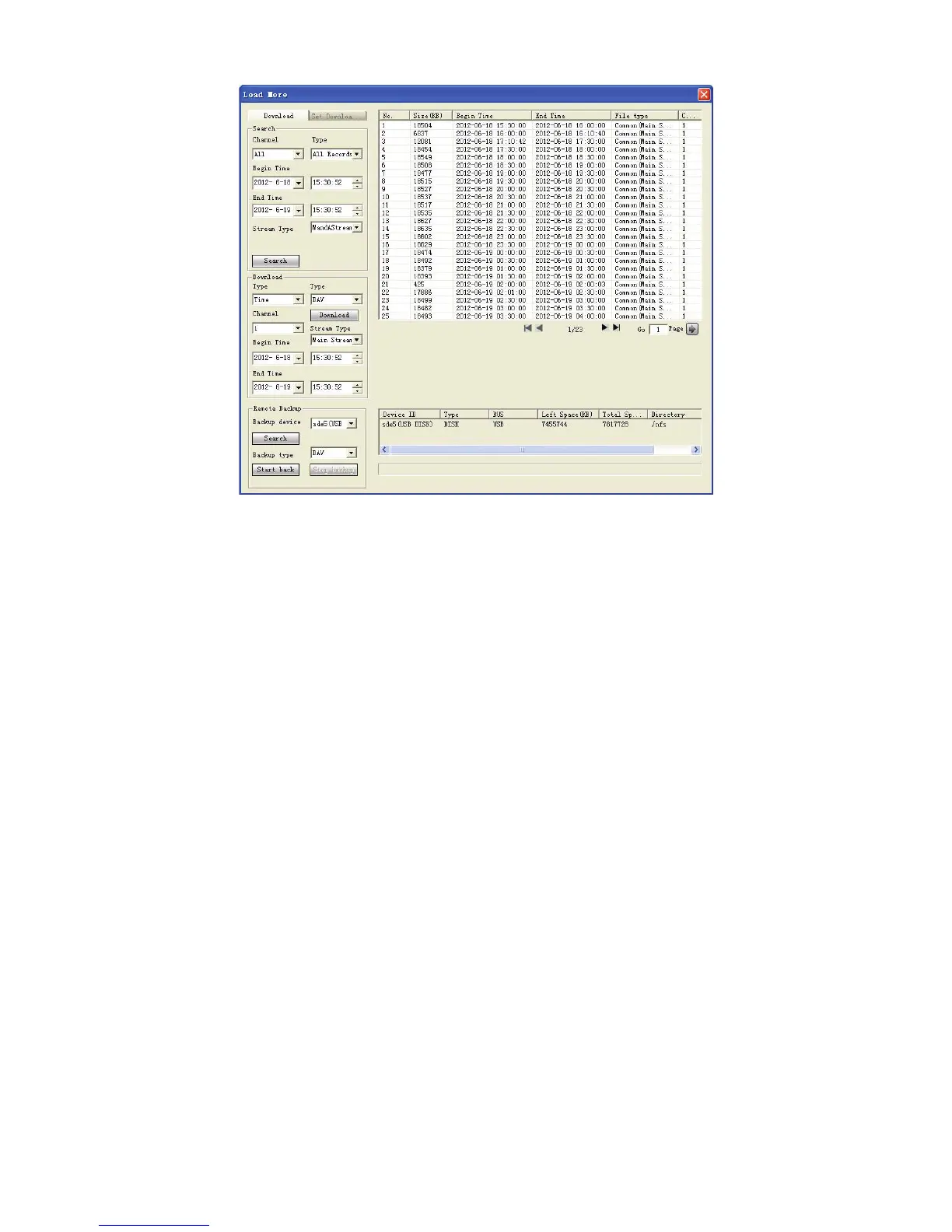
Figure 6-66
Now you can see system begins download and the download button becomes stop button. You
can click it to terminate current operation.
At the bottom of the interface, there is a process bar for your reference.
Click alarm function, you can see an interface is shown as in Figure 6-67.
Here you can set device alarm type and alarm sound setup.
When an alarm occurs, system can display the alarm information in the corresponding interface.
For motion detect, video loss, camera masking, you need to set the event in the motion detection
interface. Current series product does not support this function.



 To Next Page