22
3.3.1 LAN Login
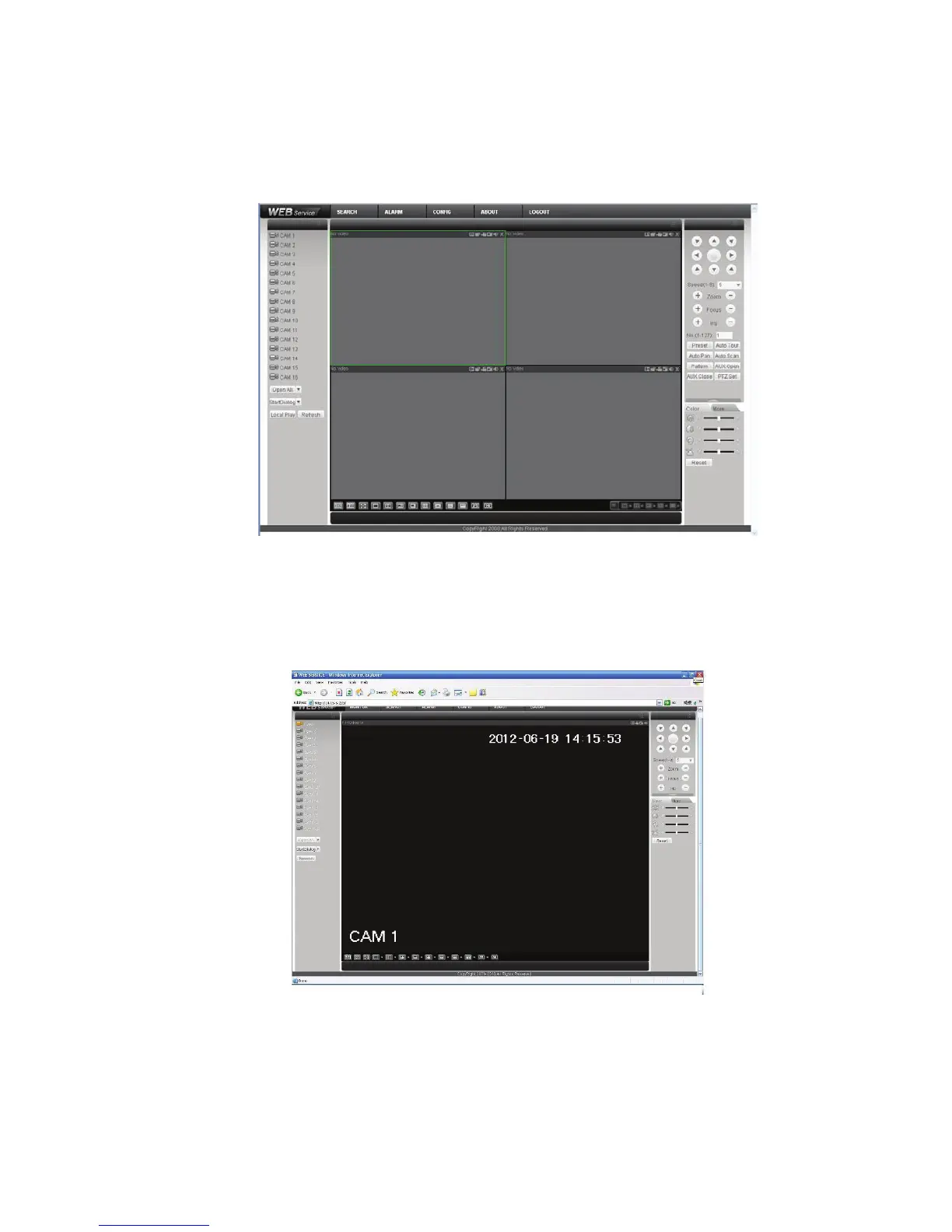
For the LAN mode, after you logged in, you can see the main window. See Figure 3-2.
Click the channel name on the left side; you can view the real-time video.
Figure 3-2
3.3.2 WAN Login
In WAN mode, after you logged in, the interface is shown as below. See Figure 3-3.
Figure 3-3
For detailed operation information, please refer to the User’s Manual included in the resources CD.



 To Next Page