54
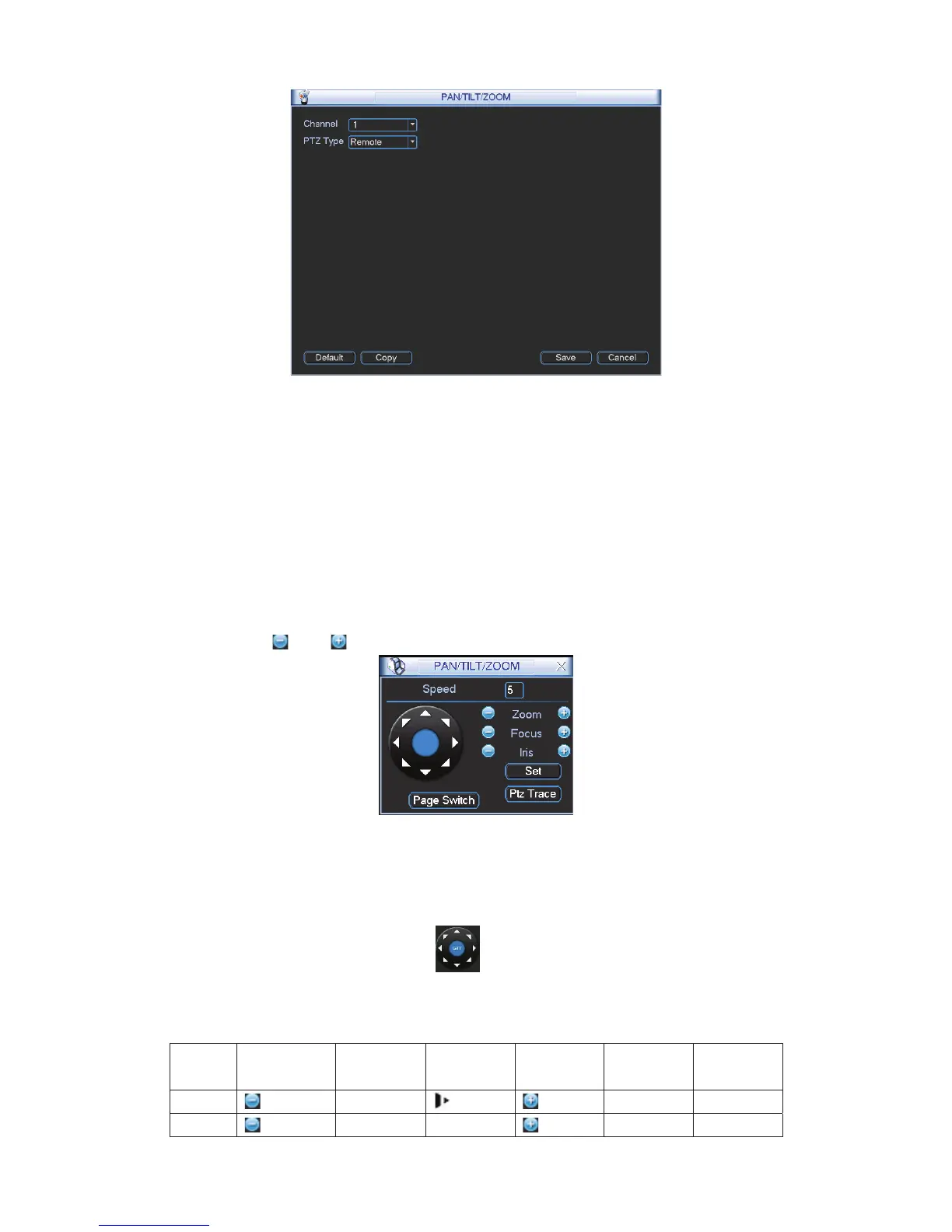
Figure 4-66
After completing all the setting please click save button.
In one window display mode, right click mouse (click “Fn” Button in the front panel or click “Fn”
key in the remote control).
Click Pan/Tilt/Zoom, the interface is shown as below. See Figure 4-67.
Here you can set the following items:
z Step: value ranges fro 1 to 8.
z Zoom
z Focus
z Iris
Please click icon
and to adjust zoom, focus and iris.
Figure 4-67
In Figure 4-67, please click direction arrows to adjust PTZ position. There are total 8 direction
arrows.
Figure 4-68
Here is a sheet for you reference.
Name Function
key
function Shortcut
key
Function
key
function Shortcut
Key
Zoom
Wide
Far
Focus
Near
_
Far
Ź



 To Next Page