Upgrading The Computer
6 - 6 Upgrading the Hard Disk Drive(s)
6
Upgrading the Hard Disk Drive(s)
The hard disk Drive(s) can be taken out to accommodate other 2.5" serial (SATA)
hard disk drives with a height of 9.5mm (h) (see “Storage” on page D - 4). Follow
your operating system’s installation instructions, and install all necessary drivers
and utilities (as outlined in “Drivers & Utilities” on page 4 - 1), when setting up a
new hard disk.
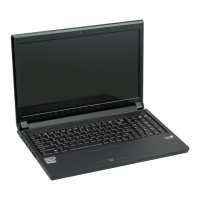
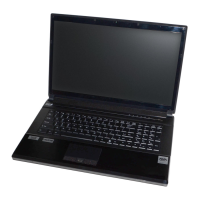
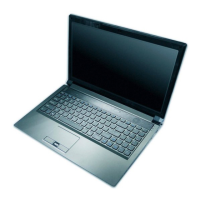
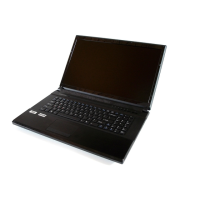
Model C computers feature a primary and secondary hard disk bay (you may have
a second hard disk installed as part of a RAID). The procedure for removing the pri-
mary hard disk is the same for all models (see overleaf), and see also “Removing the
Hard Disk from the Secondary HDD Bay (Model C)” on page 6 - 11.
Model A and B computers also feature a secondary hard disk module which is inter-
changeable the optical CD/DVD device. Remove the optical device as instructed on
page 6 - 4 and replace it with the HDD module. If you need to remove the HDD from
the module caddy see “Removing the Hard Disk from the Secondary HDD Bay
(Model A/B)” on page 6 - 14.
HDD System Warning
New HDD’s are blank. Be-
fore you begin make sure:
You have backed up any
data you want to keep from
your old HDD.
You have all the CD-ROMs
and FDDs required to in-
stall your operating system
and programs.
If you have access to the in-
ternet, download the latest
application and hardware
driver updates for the oper-
ating system you plan to in-
stall. Copy these to a
removable medium.



 To Next Page