Advanced M52 Microprocessor User's Guide
ADVANCED M52UMCT2019 COLOR
28
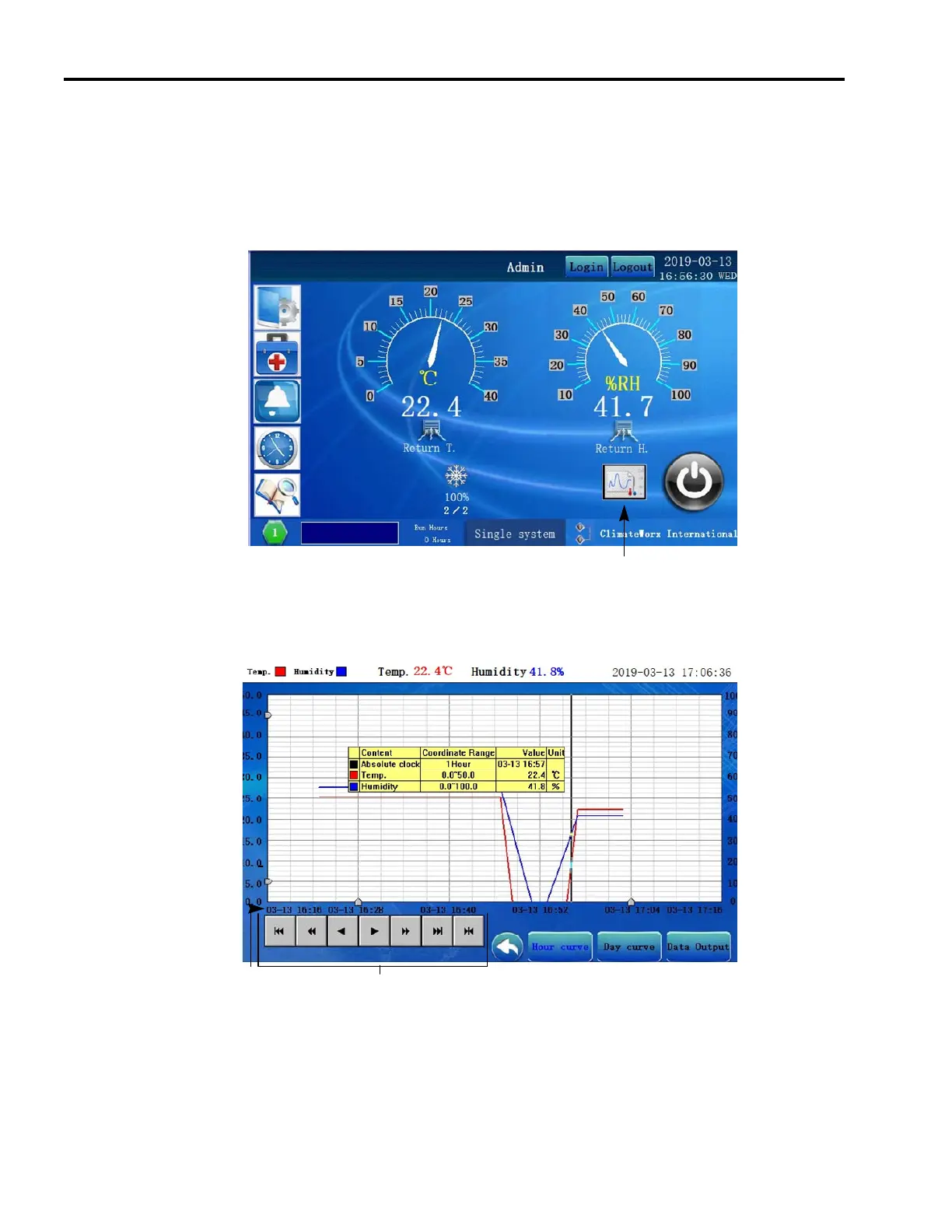
Temperature and Humidity Log Graph
The historical temperature and humidity variation can be reviewed under the Graph tab. The log
graph stores the latest 1 year of main temperature and humidity data. Data are logged in 15
minutes interval. Data can be downloaded via USB out of the display. Data output key will
allow you to select the range you wish to download. This data can then be uploaded into excel
for further review.
View Graph
Date / Time
Curve Selection keys Guide movement keys
Download key



 To Next Page