Advanced M52 Microprocessor User's Guide
ADVANCED M52UMCT2019 COLOR 29
Settings
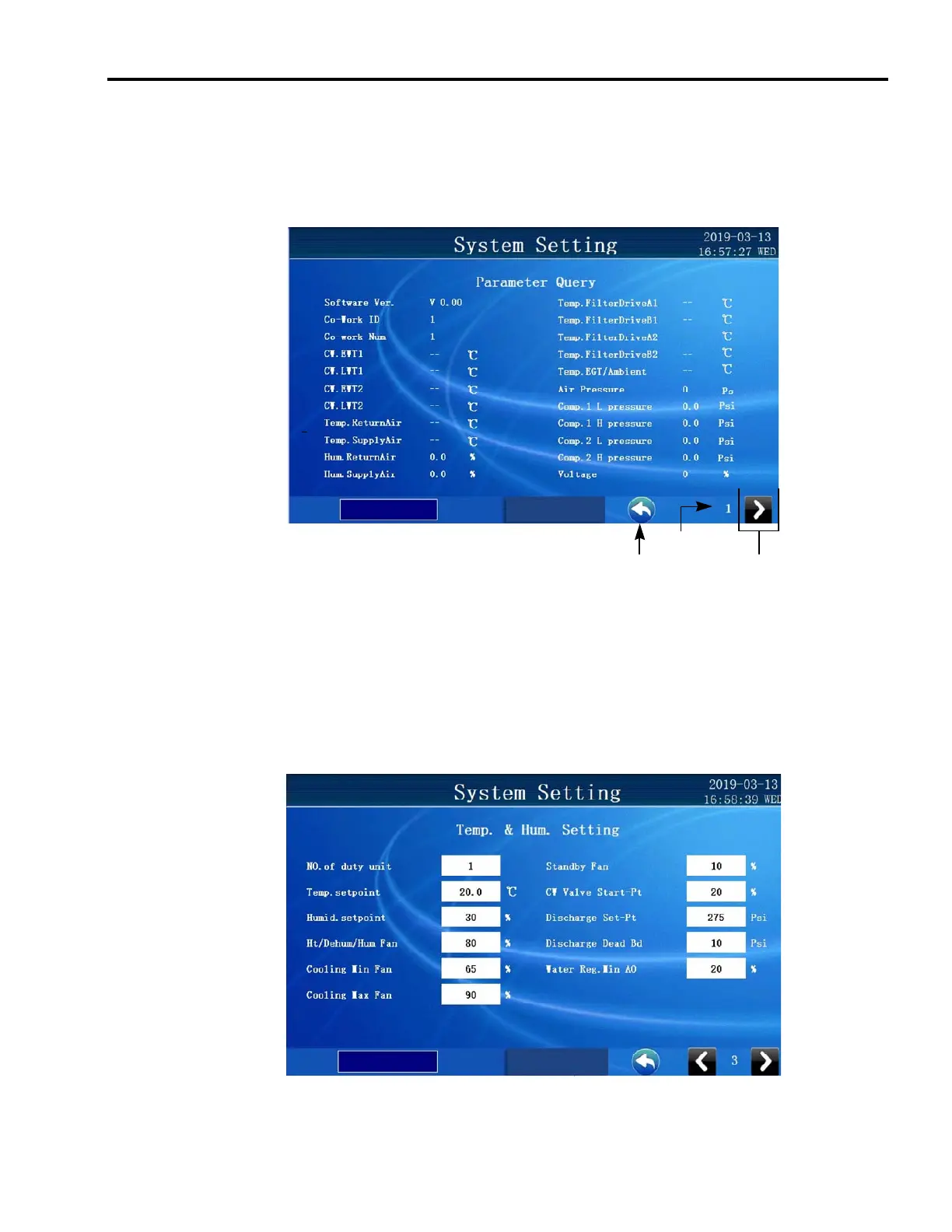
System settings can be reviewed and altered in the {Setting} tab. Settings are divided into seven
groups. You can switch the display by pressing the [Change page] keys. The first 2 pages are
for viewing of current parameter readings.
Change page Home key
Page Number
Programming Settings
You can alter any keycode setting only if you have gained access to the appropriate security
level. After gaining the programming right, you can change the settings by selecting the value
you wish to change in the white box. The value being changed will change with each touch or
will prompt a pup up that allows a value to be entered.



 To Next Page