Advanced M52 Microprocessor User's Guide
ADVANCED M52UMCT2019 COLOR 39
Digital Board Diagnostic
The digital diagnostic page under the {Testmode} tab is as follows:
Selected board
Switched outputs
Under the digital main board diagnostic page, you can:
- Select the digital main board to review.
- Review the status of the switched outputs on the selected digital main board.
- Review the status of the switched outputs on the selected digital main board, and
override control of the outputs by using the state selector. This function is only active
when Control Mode is in “Manual”. See settings page 6.
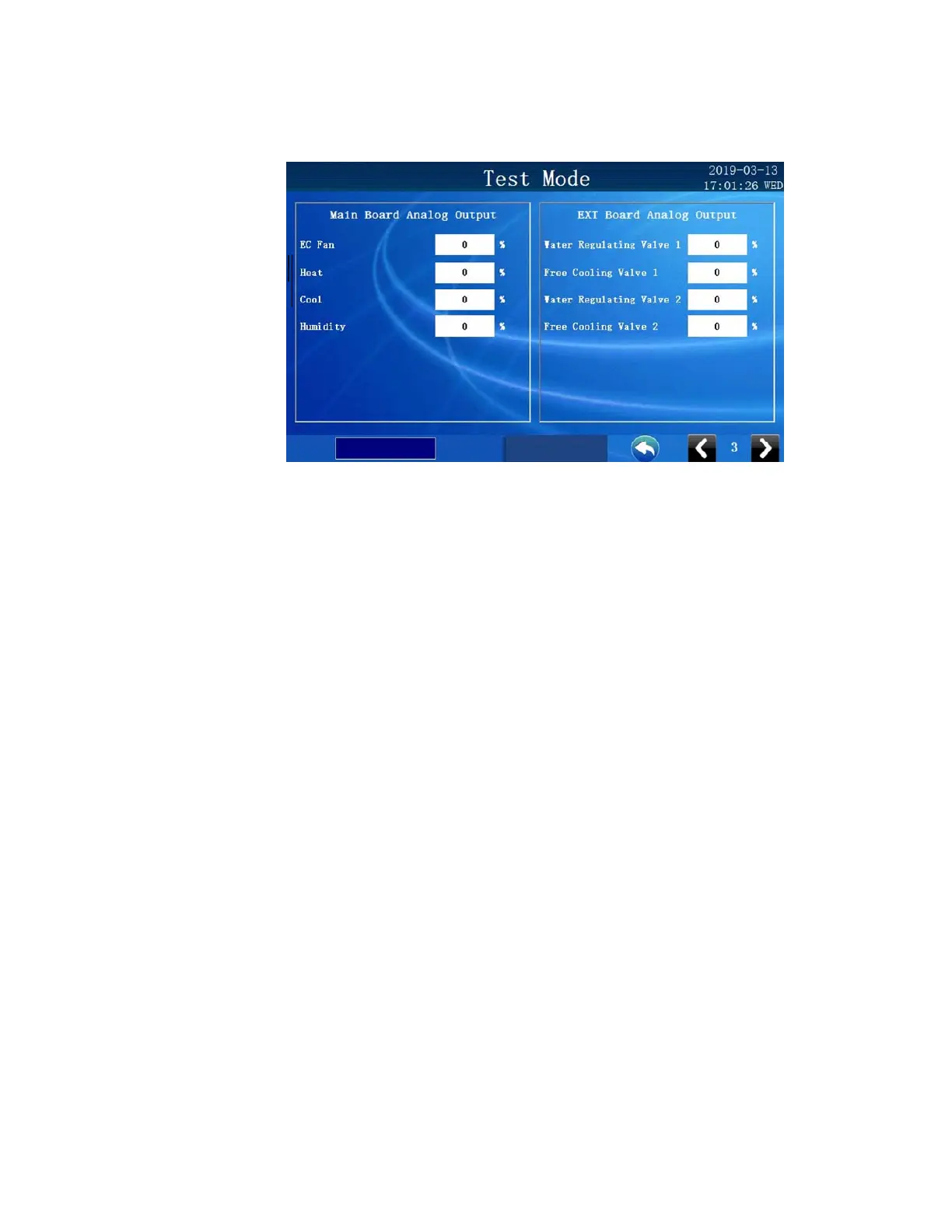
Test Mode Unit on/off
A state selector appears only in the manual mode. You can turn items on/off by selecting
the state selector. You can also increase and decrease the Analogue O/P by selecting the
device then the state selector. Some devices will not turn on unless the fan has already
been activated in manual mode. If you find a device or an output turns off or reverts
back to 0% shortly after activation this is an indicator that the fan has not been
turned on and needs to be. The +/- characters will appear. When the over-ride is selected
the board will appear with square brackets around it indicating it is in over-ride. To select
a specific input or output for any card simply press the input or output light bulb.



 To Next Page