Advanced M52 Microprocessor User's Guide
ADVANCED M52UMCT2019 COLOR 18
Security
To prevent unauthorized interference with the system operation and settings, the M52
Microprocessors have three levels of security that can be assigned to different personnel having
different responsibilities.
Settings can only be altered after entering the four-digit password for the corresponding security
level.
The factory default password and access right for each security level is summarized in the
following table:
Function / Description Admin Factory User
Default password 1024 4321 1234
Local on/off control
Alarm clear
Alarm configuration
Time schedule / clock
Setting - configuration 1
Setting - configuration 2
Setting - control parameter
Test mode – Data Re-initialization
Test mode – Local net setting
Test mode – Server setting
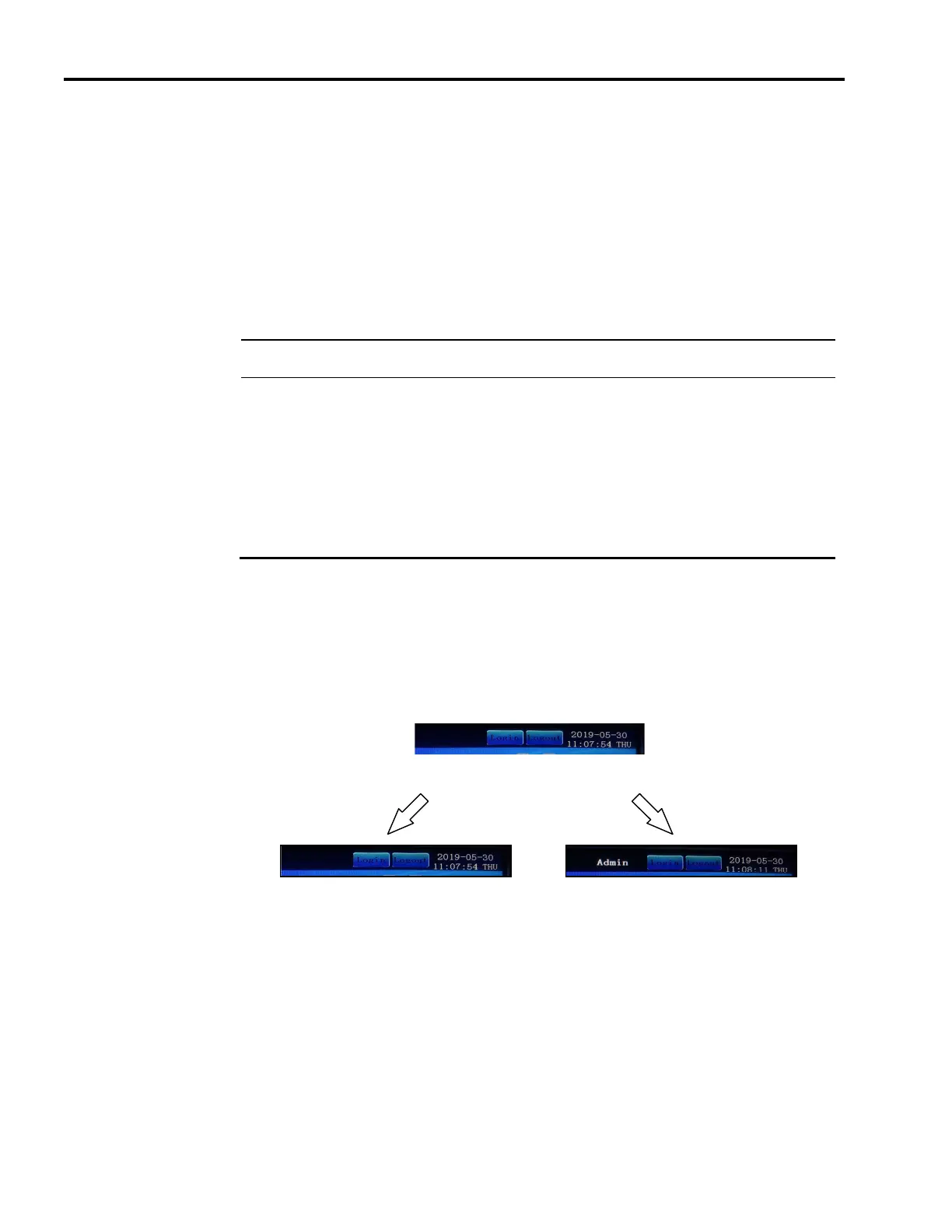
To invoke security log-in or log-out, simply press the tab at log-in or log-out:
Press tab
not logged-
already logged-in
Log-in Security
On the first power-up, you can log-in to security by using the factory preset password “1024”,
“4321” and “1234” for security level Admin, Factory and User respectively.



 To Next Page