Advanced M52 Microprocessor User's Guide
ADVANCED M52UMCT2019 COLOR 37
Test Mode
The {Testmode} tab contains an assortment of utilities designed to simplify field testing and
troubleshooting. The utilities are divided into ten pages:
- Microprocessor board Alarm diagnostic
- Digital EXP board Alarm diagnostic
- Microprocessor board diagnostic
- Digital EXP board diagnostic
- Switched Analogue output diagnostic
- Analogue EXP board diagnostic
- Data re-initialization
- Local Network Setting
- Server Setting
Microprocessor Board Diagnostic
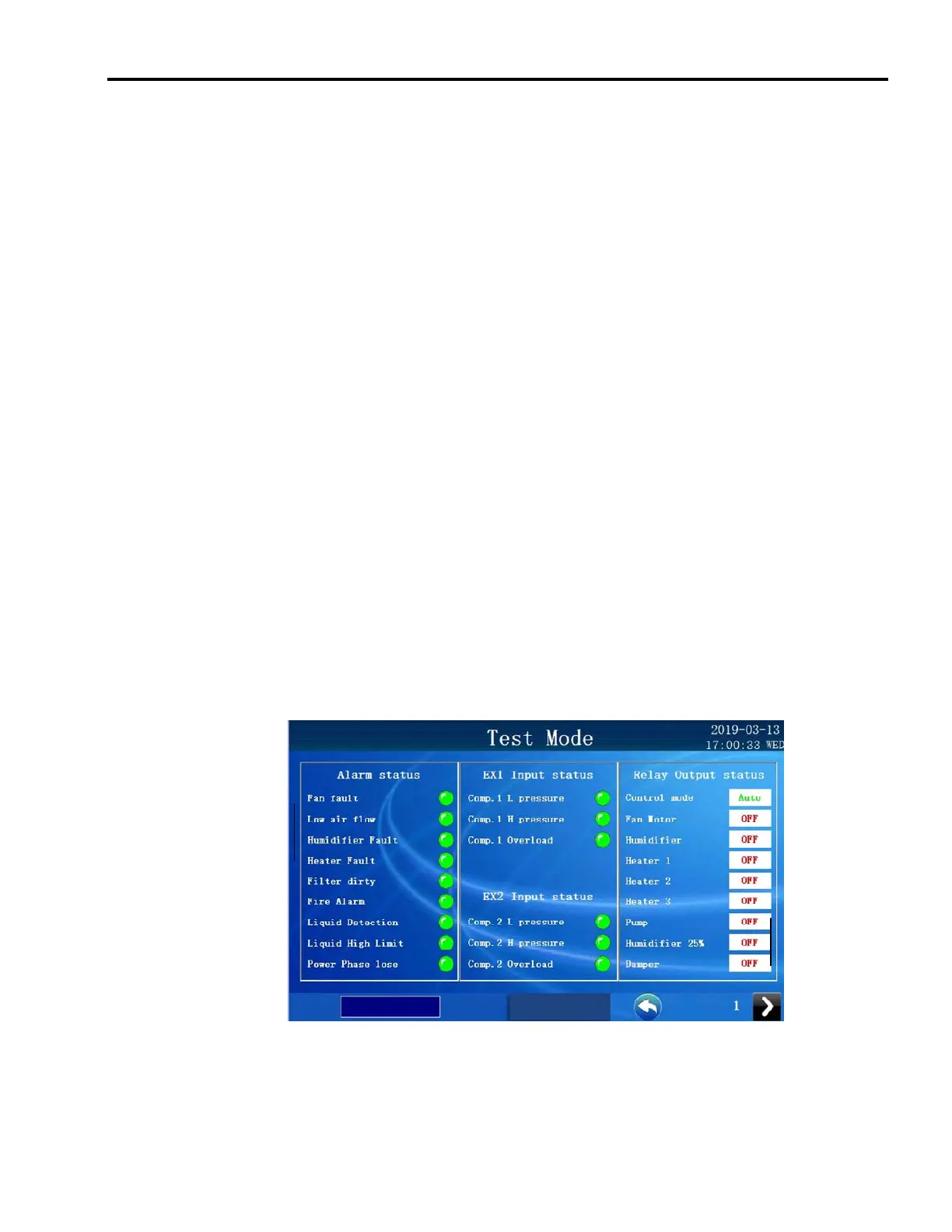
The Microprocessor board diagnostic page under the {Testmode} tab is as follows:
Status of Alarms, all Inputs and all Outputs. Relay output can be changed from this page once
the appropriate level of security has been logged into.



 To Next Page