Advanced M52 Microprocessor User's Guide
ADVANCED M52UMCT2019 COLOR 15
Unit fan On/Off Icon
The unit fan on/off icon appears when the unit fan is running except during fan purge delay the
icon does not appear while the fan continues to operate for this period of time.
Alarm Icon
The alarm icon shows up if there is any active alarm in the system. You can review the details
of the alarm in the {Alarm} tab.
On/Off Mode Icon
The On/Off mode icons keep you aware of the current On/Off mode selection. The On/Off
mode selection can be set in the “On/Off mode” setting under the {Setting} tab for local, remote
and timer modes. Remote on/off and Standby Start Icons will appear only when the function is
active.
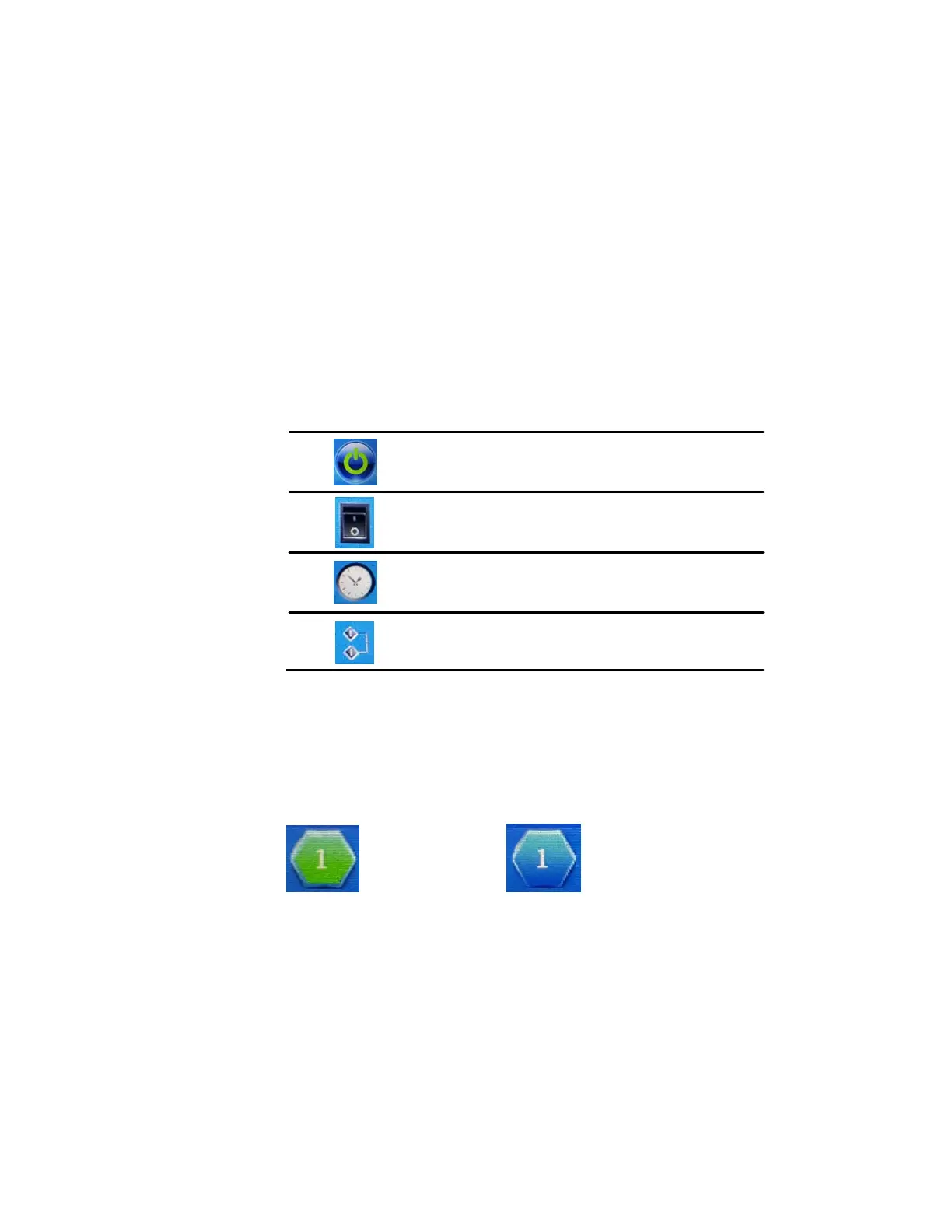
Local on/off control via control panel
Remote on/off control via switch input
Programmed timer schedule auto on/off
Standby start back-up start mode
Co-Work™ Address Icon
This shows the Co-Work™ operation mode and Co-work network address.
Duty Unit (e.g. Address 1) Standby Unit (e.g. Address 1)
Co-work icon is always visible but will only be blue when unit is connected in a co work
network and the unit is in the standby mode.



 To Next Page