Page 51
SYSTEM COMPONENT ADDRESSING
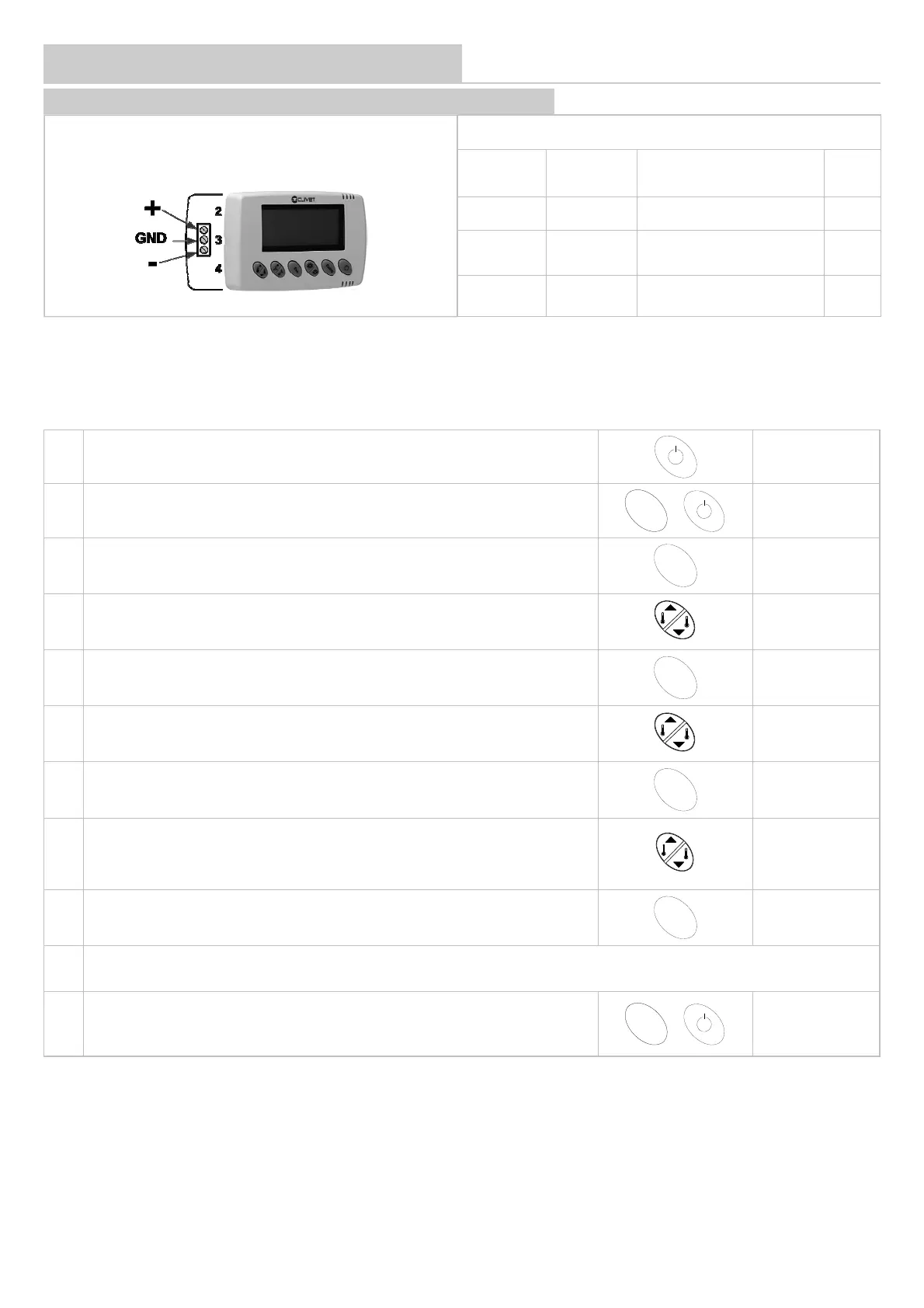
TERMINALS, AREAS MODULES WITH HID-T2, HID-T3 THERMOSTATS
Parameters to be modified
Parameter
Mnemonic
Name
Description Value
33 Index Device address 17,18....
34 Baud Rate
Baud Rate 0=4800 1 :9600
2 :19200
1
35 Parity
Parity 0=NO / 1=Odd 2=Even
supervision serial
0
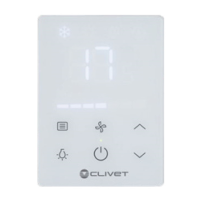
HID-T2 Temperature / HID-T3 Temp. + humidity
1 Switch off and on the thermostat using the ON/OFF key and wait for the set point
2 Within 5 seconds, press the keys until P00 is displayed
S
w
i
n
g
P00
3 Press
E
c
o
4 Enter password 321
321
5 Confirm password
E
c
o
6 Access parameter 33
P33
7 Access the value range
E
c
o
XY
8 Edit value as indicated in the table
17
9 Confirm the value entered
E
c
o
10
Repeat the sequence for the other parameters indicated in the table
11 Press the keys until the word OFF is displayed on the thermostat
S
w
i
n
g
OFF
First address the area modules combining them with the lowest addresses (example area module 17 - terminals 18 ............)
If the number of fancoils + area modules in the system is greater than 33, use addresses 60, 61, etc.


 To Next Page