Chapter 5: Maintenance and troubleshooting
98-143082-D Troubleshooting 89
WLAN indicator
Event messages and status messages
In the web interface of the EXPLORER 510 you can see status messages and alerts that are
currently active.
When a warning or error event is active, the web interface shows a warning symbol
. Select
it to see a list of currently active alerts.
List of messages
The following list explains some of the messages that may show in the web interface of the
EXPLORER 510.
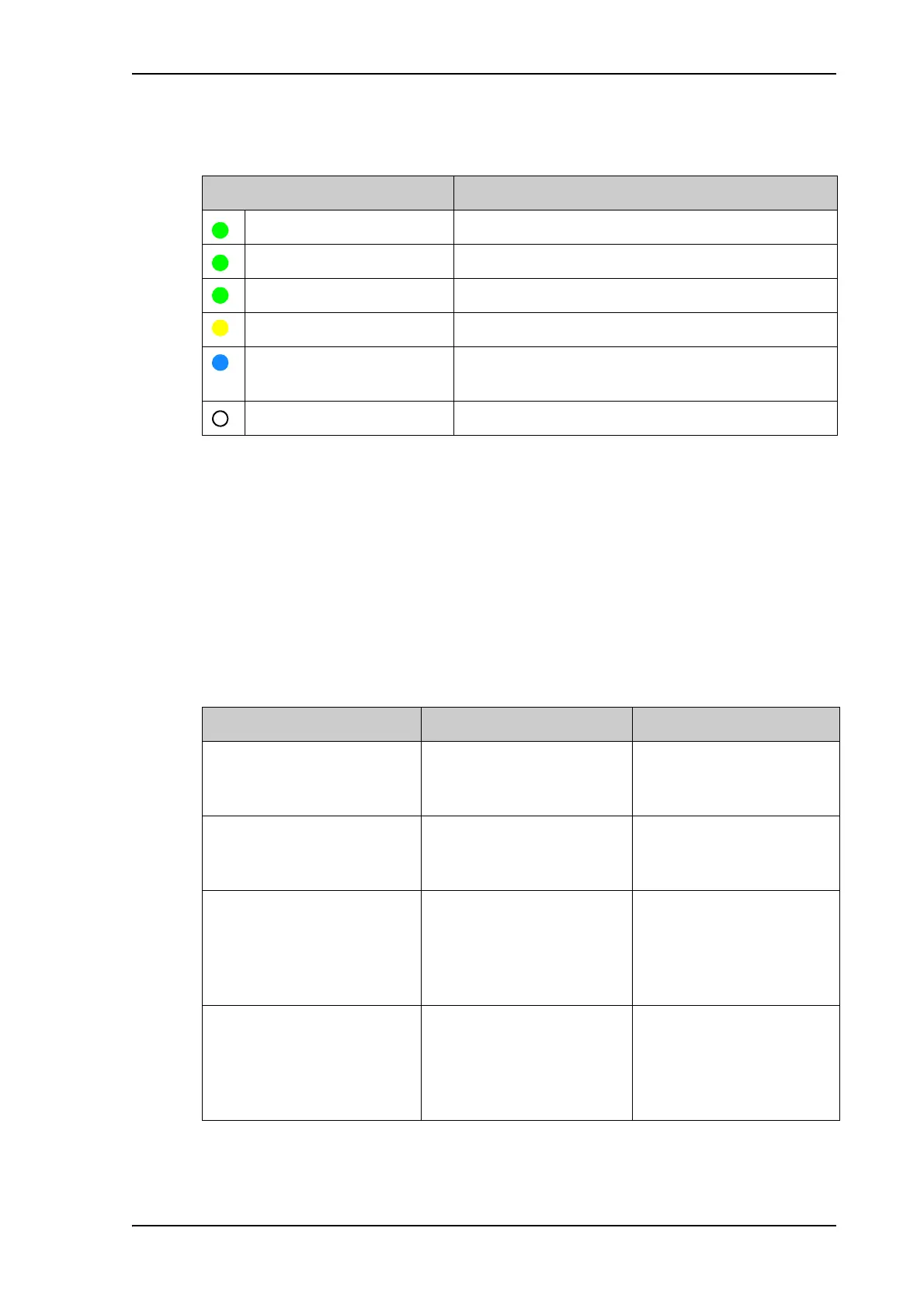
Indicator pattern Meaning
Green flashing Rx/Tx traffic
Green flashing slowly In use - has WLAN registration(s)
Green constant Ready - customized configuration
Yellow constant Ready - factory default configuration
Blue flashing
(together with Status LED)
Safe mode - see Restore the settings of the
EXPLORER 510 on page 82.
Off Not active – power off / starting up / closing down
Displayed text Explanation Remedy
Standard data speed
limited due to high
temperature
The bit rate of the data
channel is reduced because
the temperature is too high.
Move the terminal to a
cooler location.
Battery level low The battery level is low. Charge the battery. See To
recharge the battery on
page 83.
Temperature too low
for charging
The temperature is lower
than the minimum charge
temperature.
Only charge the battery
when the temperature is
within the specified range.
See Charge temperature on
page 128.
Temperature too high
for charging
The temperature is higher
than the maximum charge
temperature.
Only charge the battery
when the temperature is
within the specified range.
See Charge temperature on
page 128.



 To Next Page