Chapter 2: Operation
To get started 9
22222
Operation
Tap the back button to return to the previous screen/page of the current
application or close the current application. If you tap this icon when being
in the GNSS or DGNSS menu screen, you navigate to the startup screen.
Hide keyboard button
Tap the hide keyboard button to remove the on screen keyboard. This
button replaces the back button when the on screen keyboard is shown.
Home button
Tap the home button to return to the startup screen.
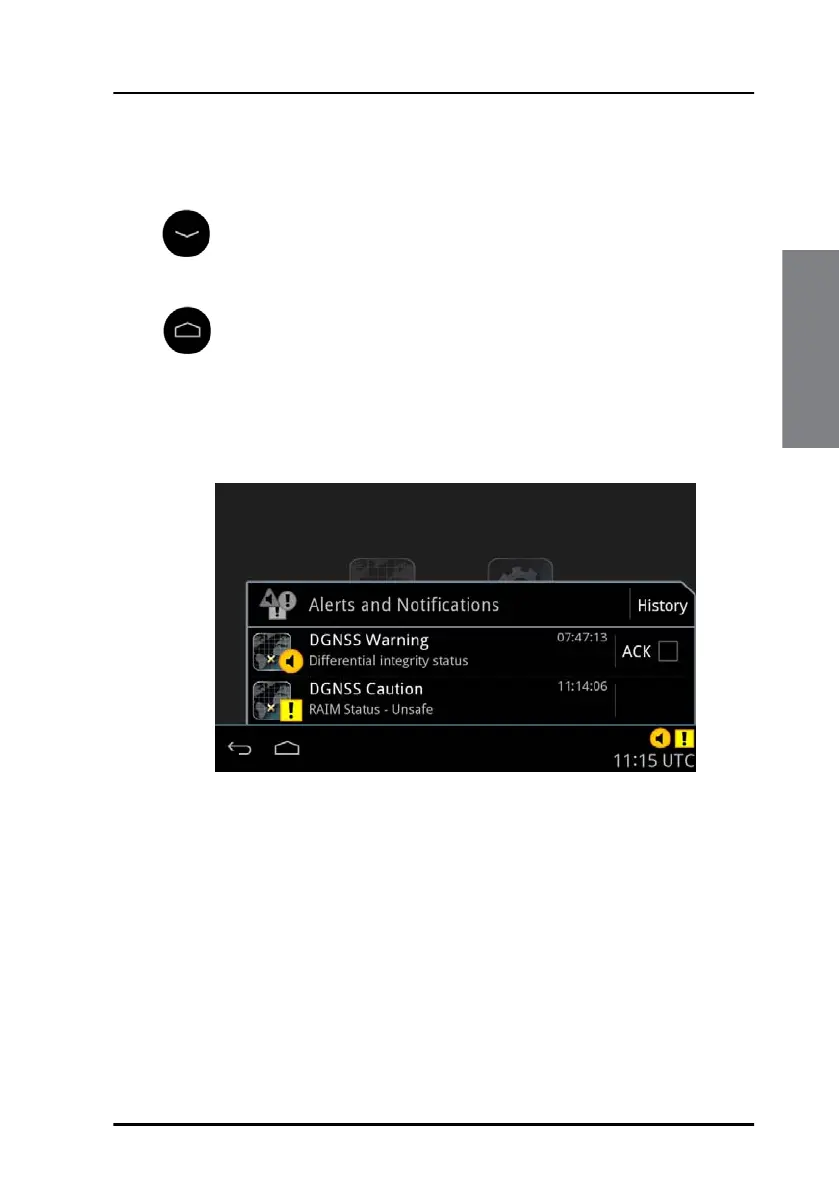
The right side of the bottom bar contains indication icons (if there are any
active indications) from alert or notifications and contains also the UTC
time. Tap this area to open the alert and notifications list.
Tap the same area again or tap the back button to close the list. See Alert
and notification management on page 31 for more details on alerts and
notifications.
Figure 8: Alerts and notifications



 To Next Page