Chapter 3: Service & maintenance
40 Maintenance
Service interface
All tasks related to installation, service and maintenance are described in
the installation manual.
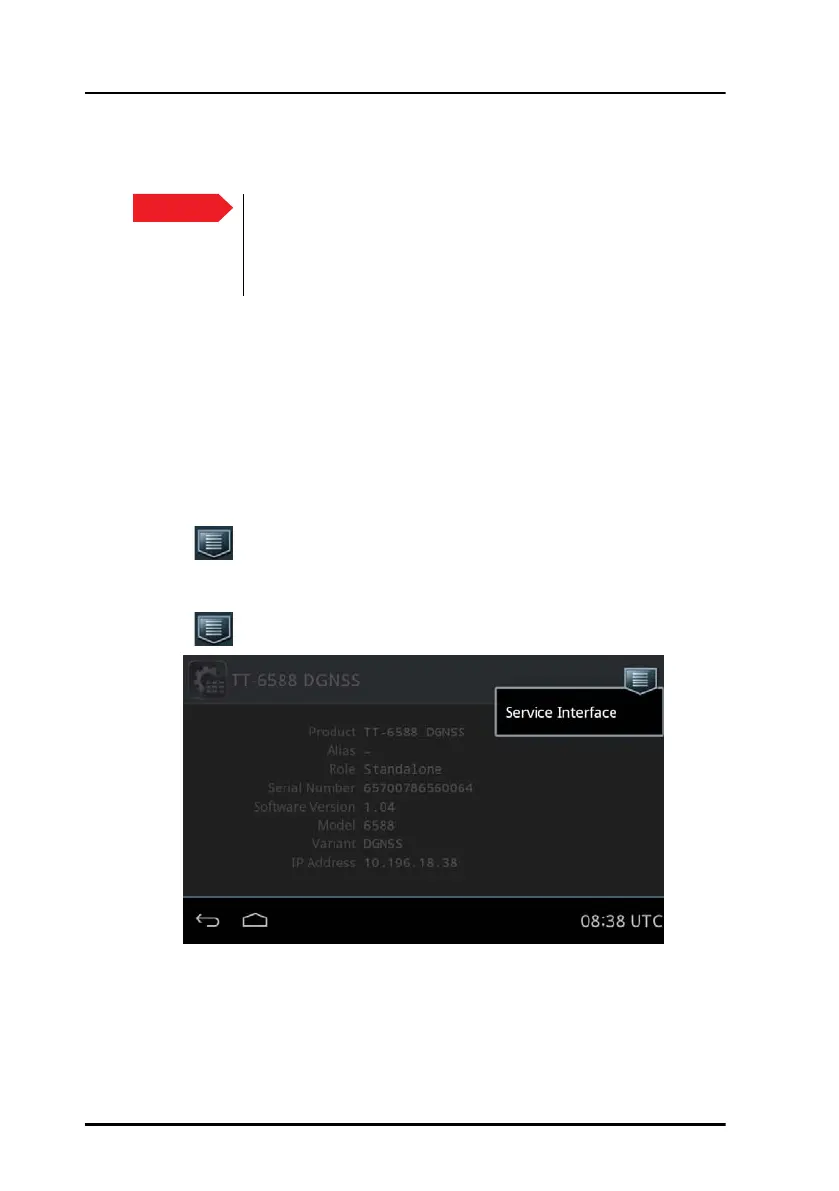
Only a service engineer should access the Service Interface directly from
the display of the Control Panel. This is useful for software update directly
via the Control Panel.
Do as follows:
1. Tap System > Applications.
2. Tap > Device list.
3. Tap the device.
4. Tap .
Important
As long as the service engineer is logged into the Service
Interface, the GNSS/DGNSS Receiver does not calculate
positions. The Control Panel application shows a Connection
lost error.
Figure 34: Access of the Service Interface



 To Next Page