Chapter 2: Operation
Settings 23
22222
Operation
Settings
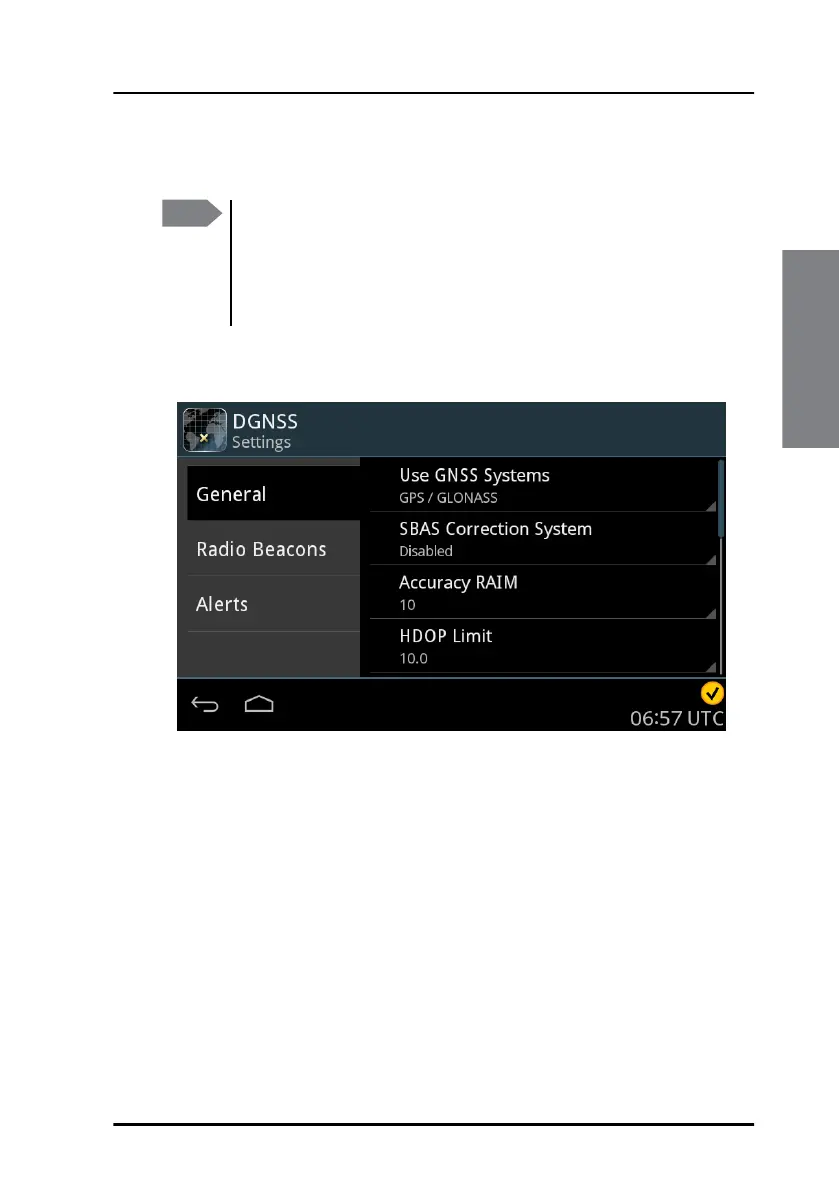
The GNSS/DGNSS Receiver has several sets of settings: General, Radio
Beacons and Alerts. You can set these according to your requirements.
To change a setting
To change a setting, do as follows:
1. Tap DGNSS > Settings
2. Tap the tab General, Radio Beacons or Alerts.
3. Swipe upwards to display further settings.
4. Tap the setting you want to change.
5. Select or set the setting according to your requirements.
6. Tap Apply.
Note
If multiple Control Panels are connected to the GNSS/DGNSS
Receiver the operator shall be aware of the possibility that
complementary Control Panels may be operated simultaneously.
The latest setting values in the GNSS/DGNSS Receiver are always
synchronized to all Control Panels.
Figure 25: Settings



 To Next Page