Chapter 3: Service & maintenance
Service and repair 47
33333
Service & maintenance
To remove the cover
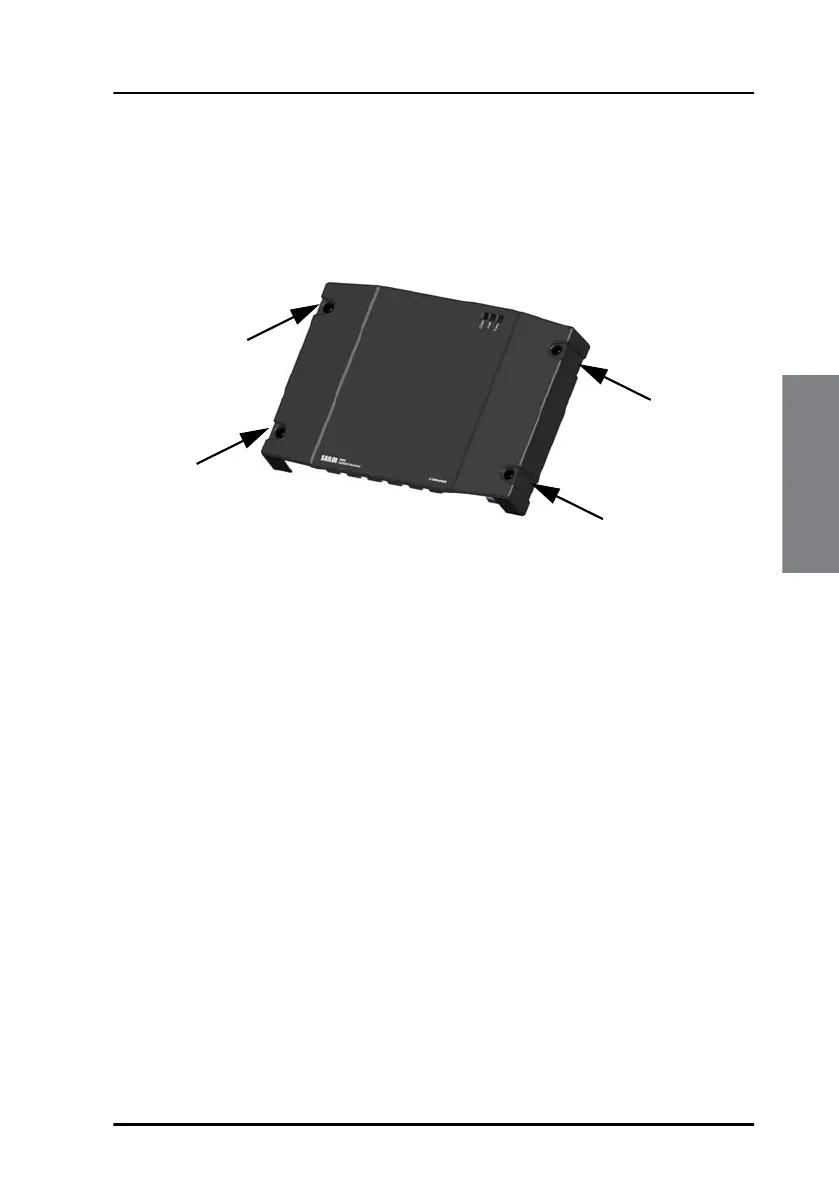
To remove the cover, do as follows:
1. Loosen the 4 screws marked in the figure below.
2. Remove the cables from the spring-loaded terminals and the
connectors.
3. Remove the cover of the GNSS/DGNSS Receiver by moving it
upwards, away from the mounting surface.
Figure 38: Removal of the cover



 To Next Page