Chapter 2: Operation
8 To get started
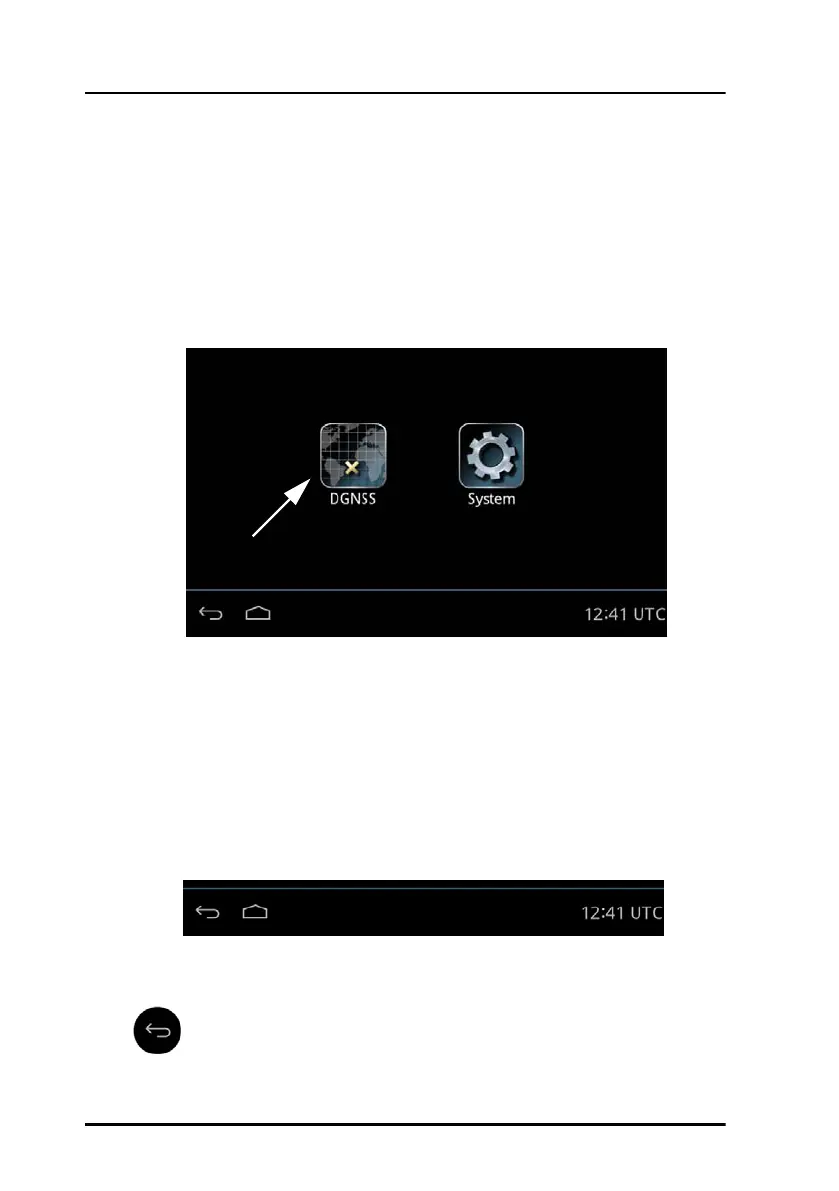
Startup screen
The Control Panel is a multipurpose touch display on which the DGNSS or
GNSS application has been installed during the installation of the
GNSS/DGNSS Receiver. The startup screen provides an icon-based
application menu including the DGNSS or GNSS application. To start the
DGNSS or GNSS application tap the DGNSS or GNSS icon on the Control
Panel display.
The application menu also includes the general Control Panel System
application providing application management and general Control Panel
settings. For details see the installation manual of the Control Panel.
Bottom bar
The general bottom bar of the Control Panel is always available below the
startup application menu or the currently running application.
The left side of the bottom bar contains general navigation icon buttons:
Back button
Figure 6: Startup screen (example for DGNSS)
Figure 7: Bottom bar



 To Next Page