Chapter 2: Operation
10 To get started
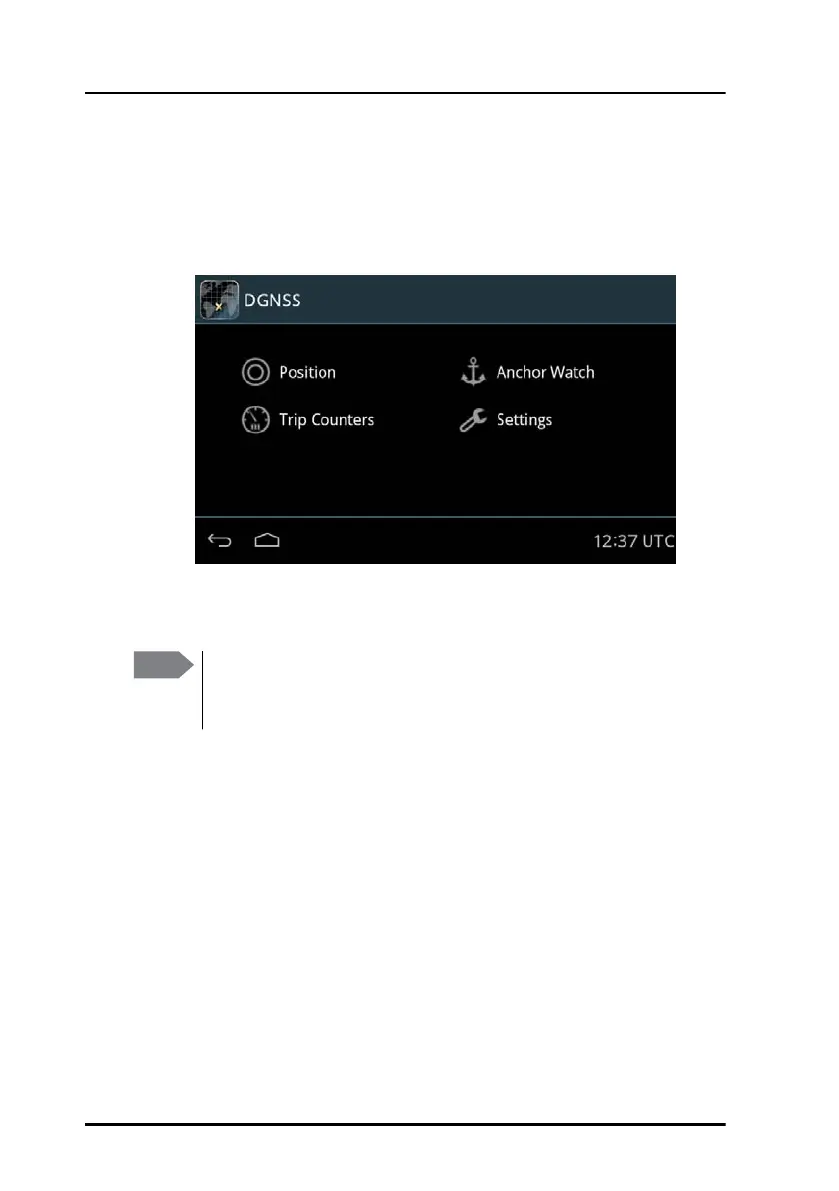
GNSS/DGNSS menu screen
Tap the DGNSS or GNSS icon on the startup screen to display the menu
screen. From this screen you access the main functions of the GNSS/DGNSS
Receiver.
Tap Position, Anchor Watch, Trip Counters or Settings to proceed.
Figure 9: Menu screen (example for DGNSS)
Note
The following sections describe the DGNSS app. The functionality
that is not available in the GNSS system will be marked as DGNSS
only.



 To Next Page