Chapter 2: Operation
38 Multiple receivers
1 is the primary receiver.
2 is the secondary receiver.
3 is the tertiary receiver.
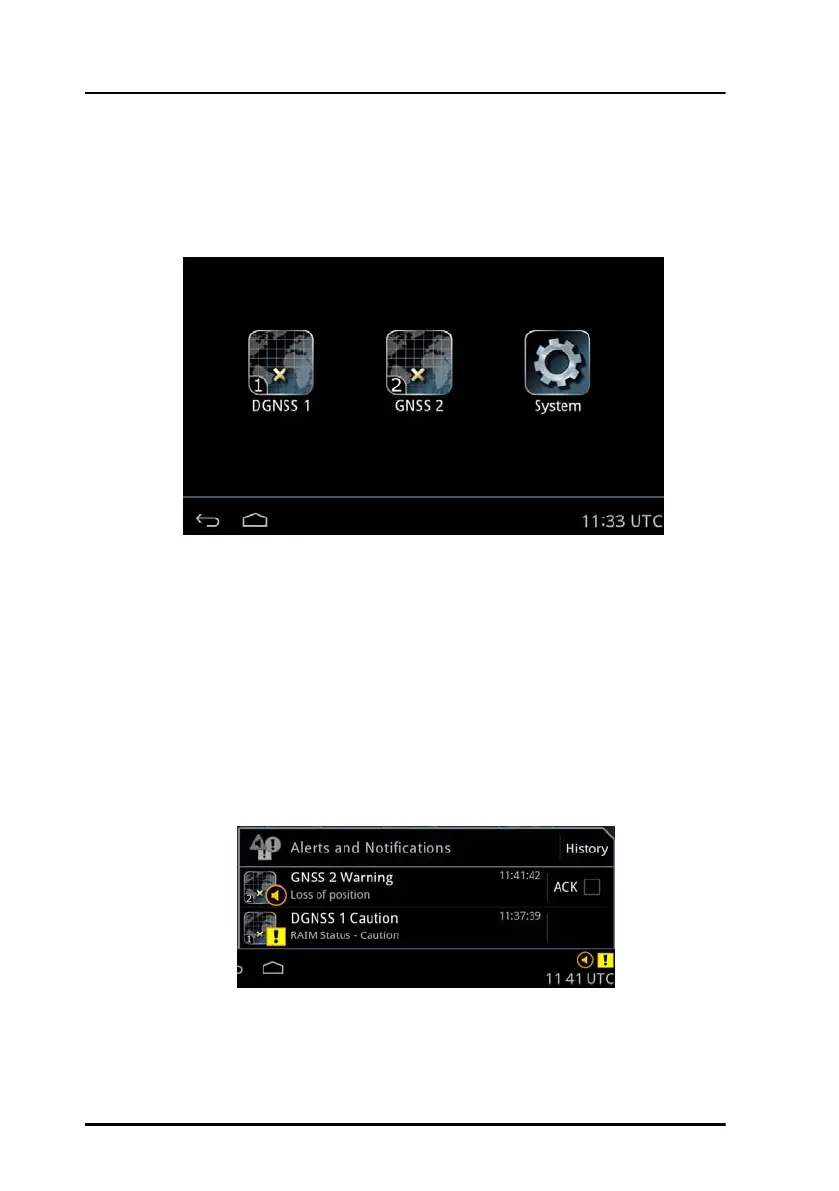
Tap the GNSS or DGNSS icon on the startup screen to display the menu
screen for each receiver.
Alerts and notifications in a multiple-receiver system
Alerts and notifications are reported by icons in the bottom bar of the
Control Panel, like in a stand-alone system with only one receiver. The only
difference is that the icons have a number in the bottom left corner,
corresponding to the device role of the receiver.
Figure 32: Roles of the GNSS/DGNSS Receiver
Figure 33: Alerts and notifications from GNSS/DGNSS Receivers



 To Next Page