Chapter 2: Operation
Anchor Watch 19
22222
Operation
Anchor Watch
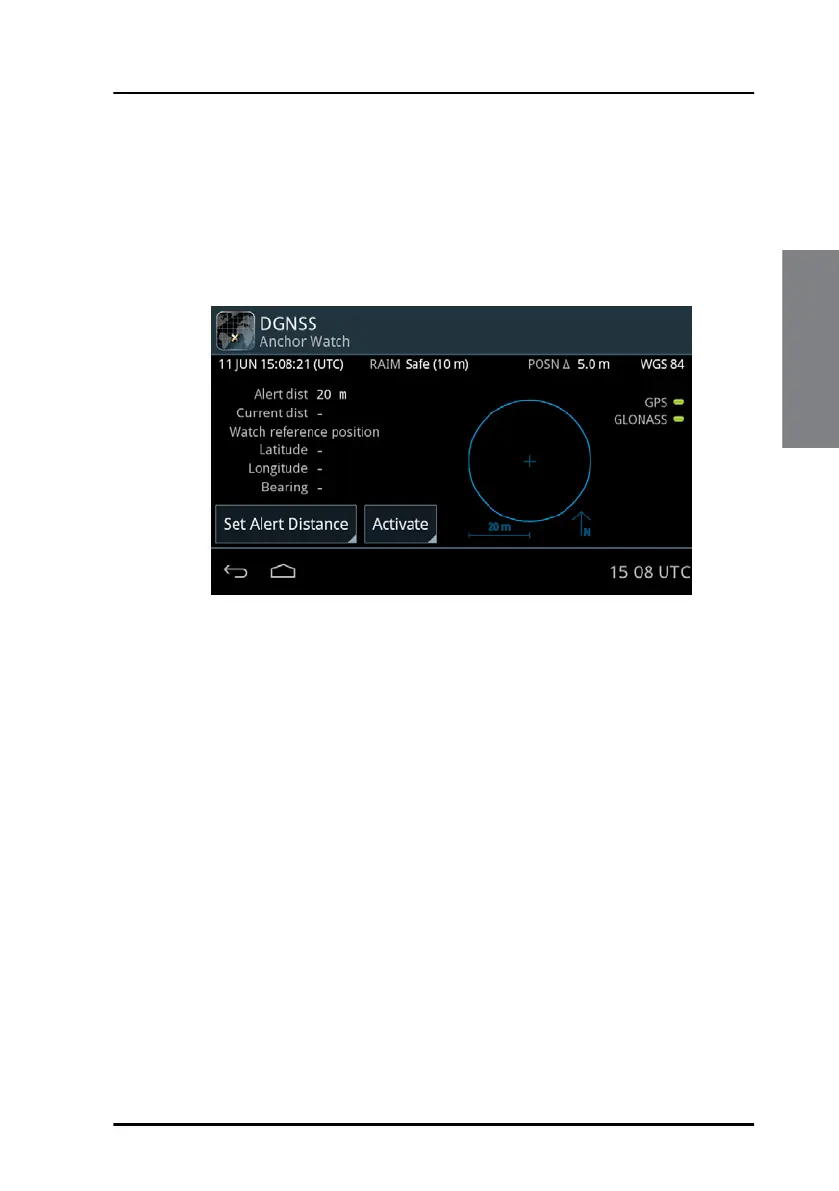
The anchor watch feature informs you if the vessel has moved and has
exceeded the intended anchoring position (Watch reference position). The
GNSS/DGNSS Receiver will come up with an alert if the alert distance (Alert
dist) is exceeded.
Tap the button Activate to activate the anchor watch.
To set the alert distance, do as follows:
1. Tap the button Set Alert Distance.
2. Swipe to set the desired alert distance.
3. Tap OK to confirm.
Figure 20: Anchor Watch



 To Next Page