Chapter 2: Operation
30 Settings
Settings – Alerts
The following alerts can be set to enabled (default) or disabled in the
GNSS/DGNSS Receiver:
• HDOP Exceeded (password protected)
• Loss of Position (password protected)
• Differential Integrity Status (password protected)
• RAIM Status - Unsafe
• RAIM Status - Caution
• Heading Lost
• Anchor Watch Alert
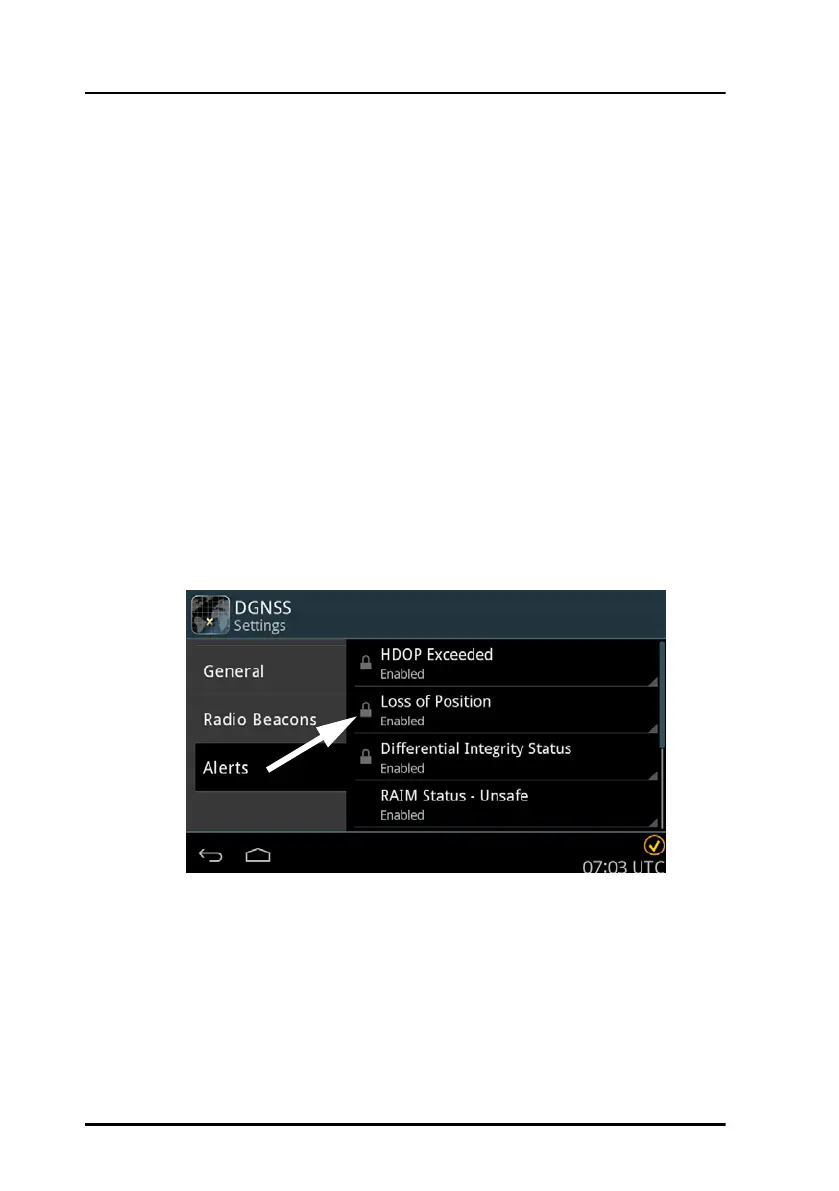
Password protection
Some alert settings are password protected against unauthorised or
accidental use. This is marked with a padlock.
To unlock a setting with password protected parameters do as follows:
1. Tap the setting you want to change.
2. Enter the user level password (default: user).
3. Tap Apply.
Figure 29: Password protection – example



 To Next Page