Chapter 2: Operation
34 Alert and notification management
Alert history
The alert history contains alerts of the last 24 hours (or maximum1000
entries).The alert history is cleared when you switch off the Control Panel.
The alerts and notifications are not saved. To display the alert history with
alerts and notifications do as follows
1. Tap the lower right corner (UTC time).
2. Tap History to display a list of alerts and notifications. You can swipe
through the list.
3. Tap an alert to display specific alert information.
Alert acknowledgement
Active alarms and warnings must be acknowledged. When all active alarms
and warnings are acknowledged the icons stop flashing.
To acknowledge an alert do as follows:
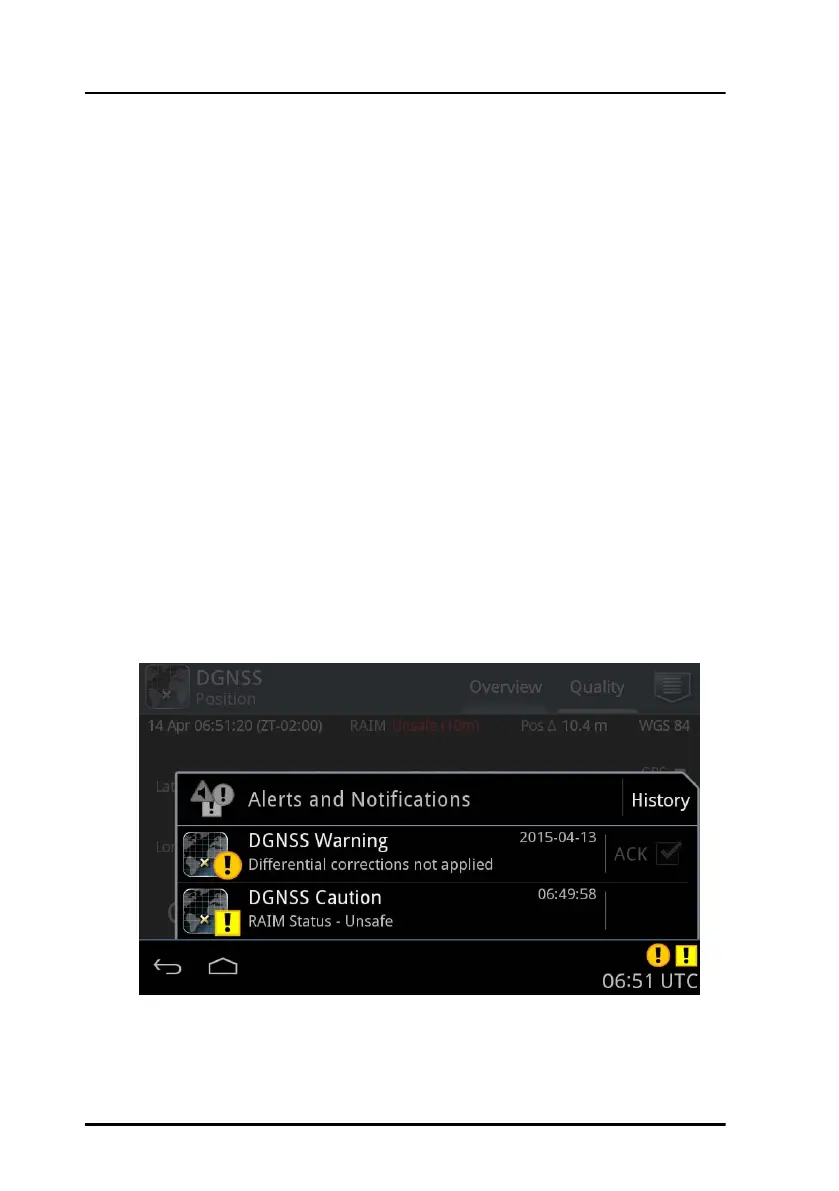
1. Tap the flashing icon in the lower right corner to display the list with
alerts and notifications.
2. Tap the check box next to ACK to acknowledge the alert.
Figure 30: Alerts and notifications (example for DGNSS)



 To Next Page