20
1300 663 907
After Sales Support
help@cocoonproducts.com.au
Model number:
HE210303
02/2022
8CH 1080P SECURITY CAMERA SYSTEMPC SETUP
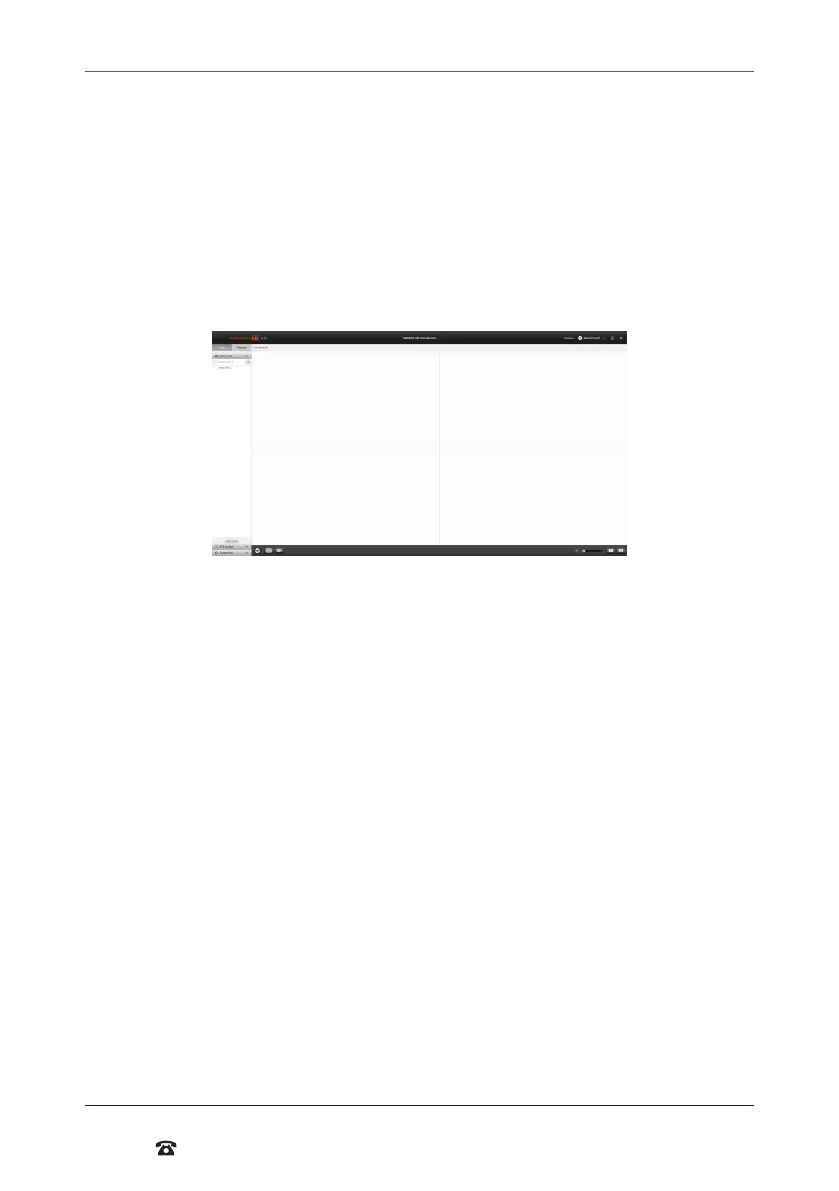
Watching Footage on Cocoon HD for PC Soware
1. Click the arrow on the le-hand side of your device name to see all connected
cameras.
2. Right click your device’s name and select ‘Play All’ to play all cameras or a speciic
camera and select ‘Play’ to play individual cameras.
NOTE: Loading cameras may take a few minutes.
3. To stop steaming right click and select ‘Stop All’ or ‘Stop’.
4. Click the four square icon in the bottom right-hand corner to change display to
include all 8 cameras.
PC Menu Overview
• Playback –Play back footage from your chosen camera(s) by selecting the date and
time period
• System info - Displays information about the Cocoon HD soware
Taking a Screenshot with Cocoon HD for PC
1. While viewing the camera feed, highlight a channel by clicking on it. The channel will
have a blue box surrounding it
2. Select the ‘camera’ icon in the bottom of the display to take a snapshot.
3. A folder (titled ‘Cocoon HD’) will be automatically generated with the photo(s) saved
into the folder
Taking a Video with Cocoon HD for PCs
1. While viewing the camera feed, highlight a channel by clicking on it. The channel will
have a blue box surrounding it
2. Select the ‘record’ icon in the bottom of the display to take a snapshot.
3. A folder (titled ‘Cocoon HD’) will be automatically generated with the video(s) saved
into the folder
Visit www.cocoonproducts.com.au for additional tips and suppor with setting up your
mobile or PC applications.
NOTE: This manual has been written with the following soware version, if you have a more
recent version, please contact help@cocoonproducts.com.au for up to date instructions:
iOS 2.2.3, Android 2.2.2.2, PC v1.7.1



 To Next Page