32
1300 663 907
After Sales Support
help@cocoonproducts.com.au
Model number:
HE210303
02/2022
8CH 1080P SECURITY CAMERA SYSTEMFAQS
FAQs
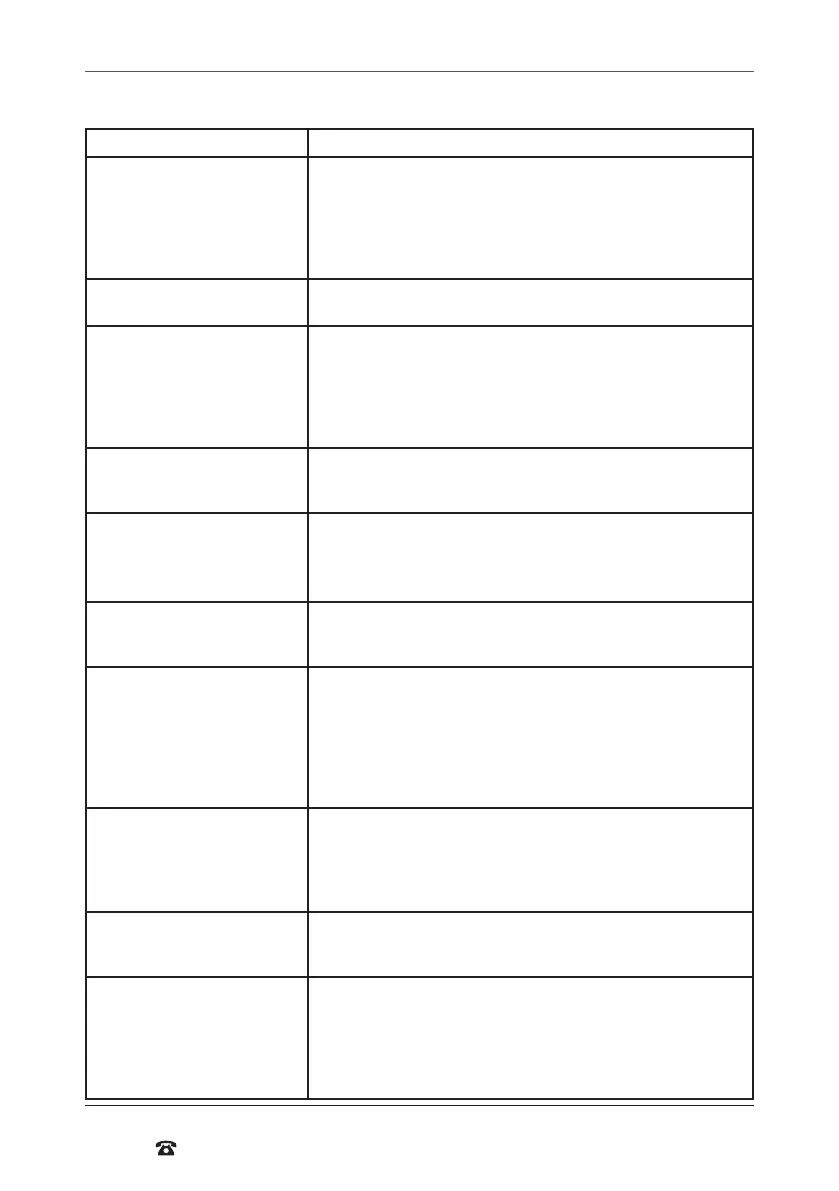
Question Solution
I have no picture Check that power is on and the Power LED is lit up
Check the HDMI cable is connected properly in both the DVR unit
and your television
Set the TV or monitor to the correct video input channel. On most
TV’s, you can change inputs by pressing the button labelled source,
input, A/V, channel 0 etc
I have no power Make sure the power adaptor is connected to the back of the DVR
and the other end is plugged into a socket that is turned on
I have H.265+ Video Loss Check the camera/cameras are connected securely to the power
splitter cable
Check the power splitter cable is correctly and securely plugged into
the wall adaptor labeled ‘To Cameras’
Check the wall adaptor labeled ‘To Cameras’ is plugged into a socket
that is turned on
Why are some camera images
discoloured?
Your cameras are equipped with a night vision ilter to help them
see at night. This can make some colours appear discoloured. Try
adjusting the colour settings in the display menu
My night vision image is very
dark or just a black screen
The cameras will work to about 24m in the dark. If you are getting a
dark image, the camera may be aimed at a target furher than 24m
away. Try aiming it closer or down towards the ground to make sure
they are working
My night vision image is very
bright and I can’t see anything
when aimed out a window
The infrared light is bouncing of the window and relecting back into
the camera. These cameras should be installed outside the window.
Motion Detection settings keep
recording all night long
Night vision uses infrared light to ‘see’ an image at night. It relies
on small amounts of ambient light to function correctly. The less
light there is, the harder it is for the camera to see an image. This
can result in arefacts in the image. If there are too many arefacts
and motion recording keeps triggering, try adjusting the sensitivity
settings in the ‘Alarm Area Menu’ to a lower value. See notes in
“Alarm” on page 25
Where do I place my cameras? Camera placement depends on your application.
For businesses, suggested camera placements are near doorways,
under eaves looking into the car park, or in a meeting room. For
small or retail businesses, high traic areas near doorways, over cash
registers, or down aisles are suggested
Can I add more cameras? The Cocoon DVR Unit accepts up to 8 cameras. You can replace any
of the cameras with other cameras, however there is no way to add
additional channels to the DVR
Recycle Record If your hard drive ills up you can either format the hard drive or turn
on the Recycle Record tab feature. Setting Recycle Record tab to
‘Enable’ will overwrite the oldest footage irst to ensure there is no
down time, see “Record” on page 23.
Turning motion detection on will only record when motion is
detected saving additional hard drive space



 To Next Page