25
1300 663 907
After Sales Support
help@cocoonproducts.com.au
Model number:
HE210303
02/2022
8CH 1080P SECURITY CAMERA SYSTEMADVANCED SETTINGS
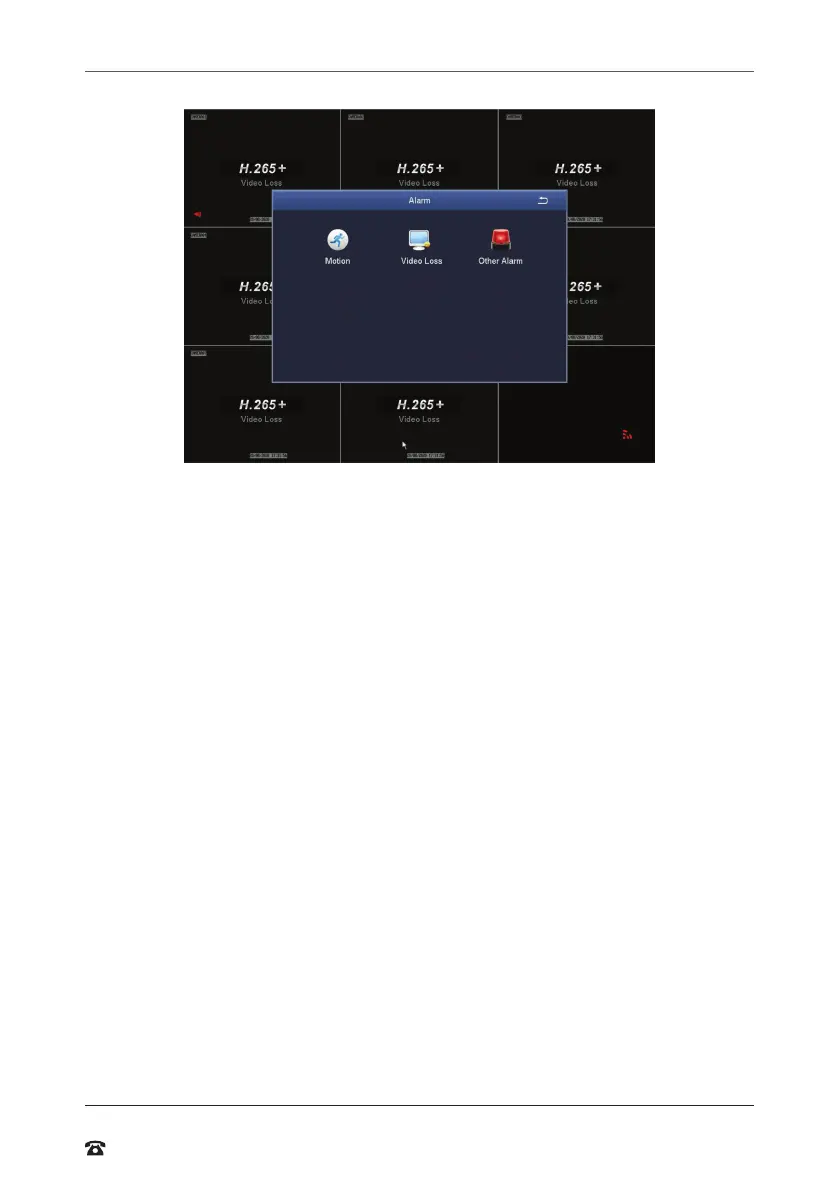
Alarm
Motion
• Enable: Toggle which camera’s alarm sensor is on or of
• Holding Time[s]: Select the duration that an alarm signal should be shown if triggered
• Push Time: Interval time of notiication push
• Trigger: Allows ‘show full screen’, ‘email’ and ‘snap’ settings to be set. Please note, this
model doesn’t suppor ‘To Alarm Out’ or ‘Buzzer’
• Area: In this interace, blue grid boxes indicate areas that are monitored for
movement. Hold on to LMB and drag mouse across screen to adjust selection
NOTE: Removing blue grid boxes disables the area monitored for movement. This is handy
for cameras facing main roads with cars driving past when monitoring your front porch.
Right-click for pop up bar to adjust motion sensitivity, resetting grid to default and saving
settings
IMPORTANT: THE DVR CANNOT DIFFERENTRIATE BETWEEN DIFFERENT TYPES OF
MOVEMENT. E.G. Human walking, driving car, tree swaying etc
NOTE: Sensitivity 1 is the most sensitive, with 8 being the least sensitive
Schedule tab
Linked to ‘Motion Record’ from the Schedule submenu. See “Schedule” on page 24 for
details about coniguring the motion record schedule
Video Loss
Conigure how video loss is handled by the DVR
Other Alarm
Conigure how other events are handled by the DVR



 To Next Page