USING THE WIZARD
USING THE WIZARD
14 ENVOY™ TRANSCEIVER GETTING STARTED GUIDE
Using the wizard
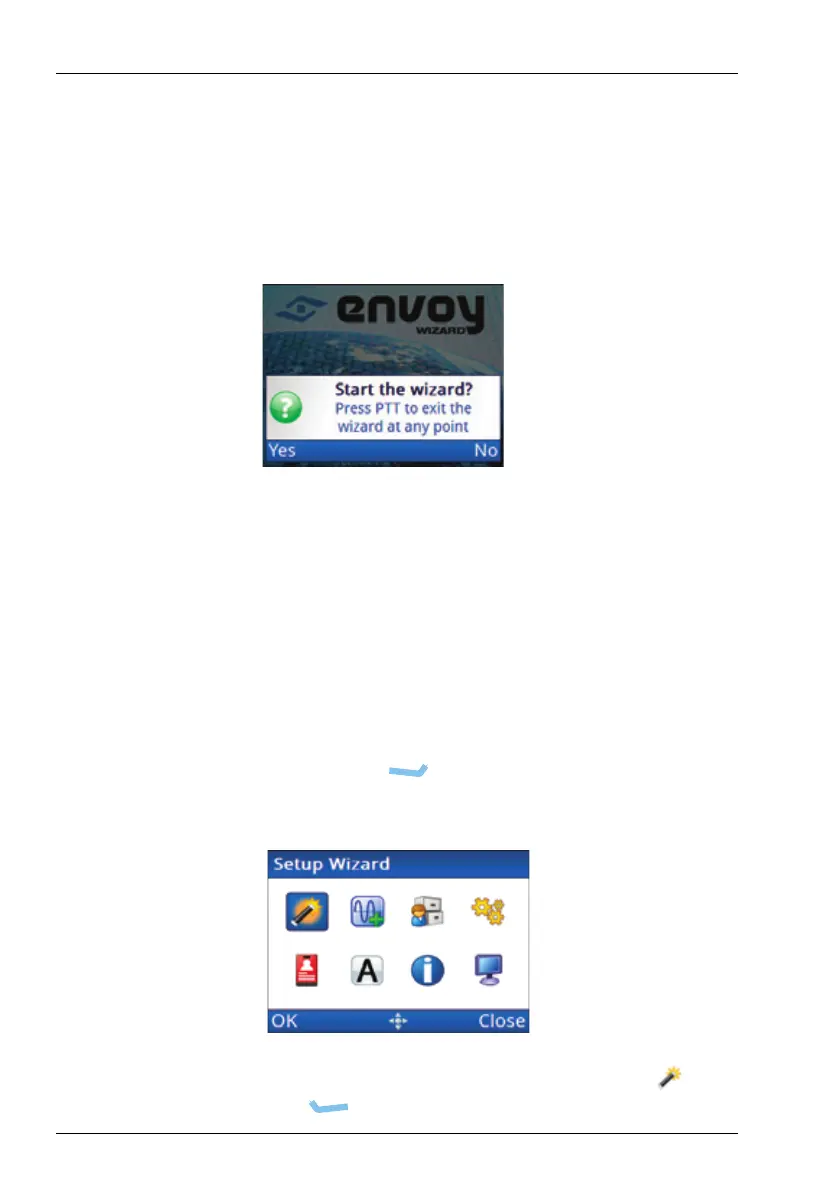
The wizard should start automatically when a new transceiver is
powered up for the first time.
Figure 4: Wizard Startup screen
NOTE: If the wizard screen doesn’t launch
automatically, follow the instructions below. If
your transceiver has been profiled using TPS, the
wizard may not be available.
NOTE: For information on specific entries in the wizard,
please refer to the Reference Manual.
To use the wizard:
1 Press PTT then (Menu) to return to the top level of the
menu structure.
1 Check that the icon for the wizard is highlighted ( ), then
press (OK).



 To Next Page