NAVIGATING THE MENU STRUCTURE
SELECTING AN ICON
ENVOY™ TRANSCEIVER GETTING STARTED GUIDE 35
Selecting an icon
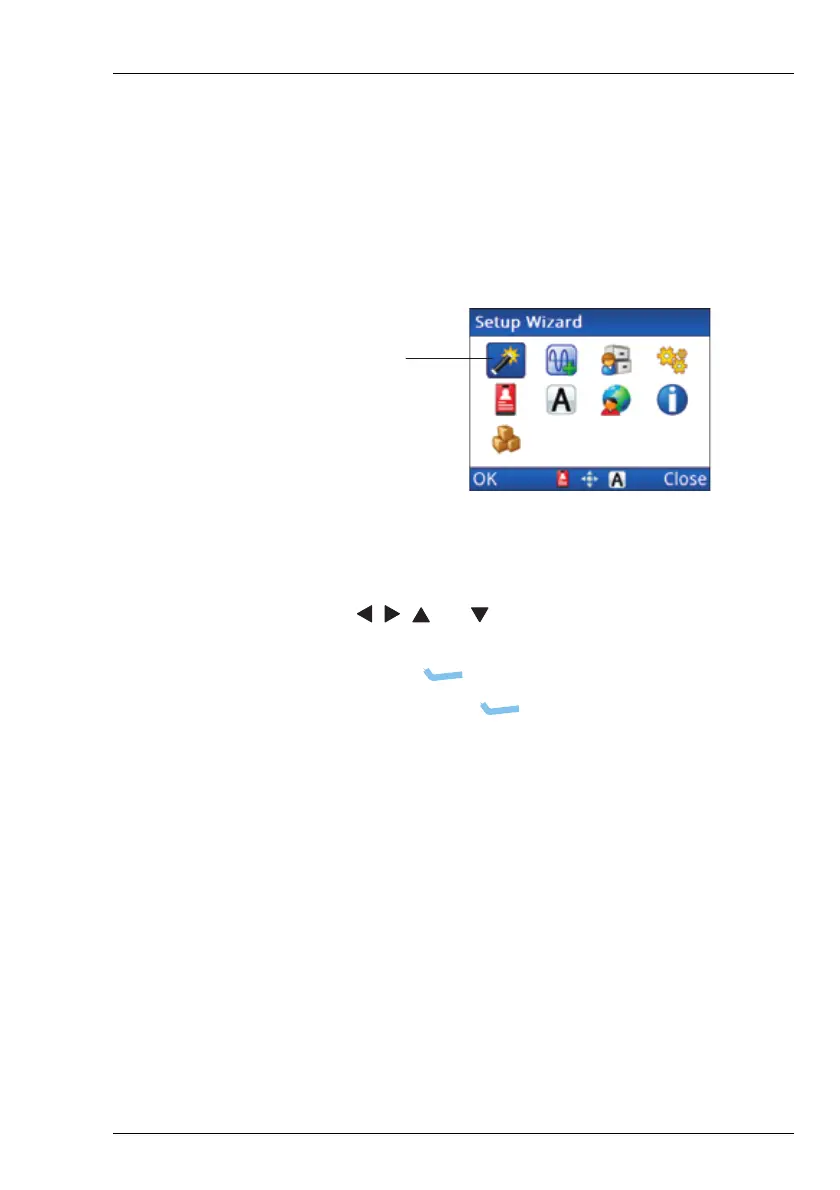
The top levels of the menu structure are represented by icons. In
order to enter the menu represented by the icon, you need to select
the icon.
Figure 10: Highlighted icon
To select an icon:
1 Use , , and to highlight the icon that you want to
select.
1 Press OK or to select the icon.
In this instance, the key corresponds to OK in the
menu bar.



 To Next Page