NAVIGATING THE MENU STRUCTURE
SAVING YOUR CHANGES
46 ENVOY™ TRANSCEIVER GETTING STARTED GUIDE
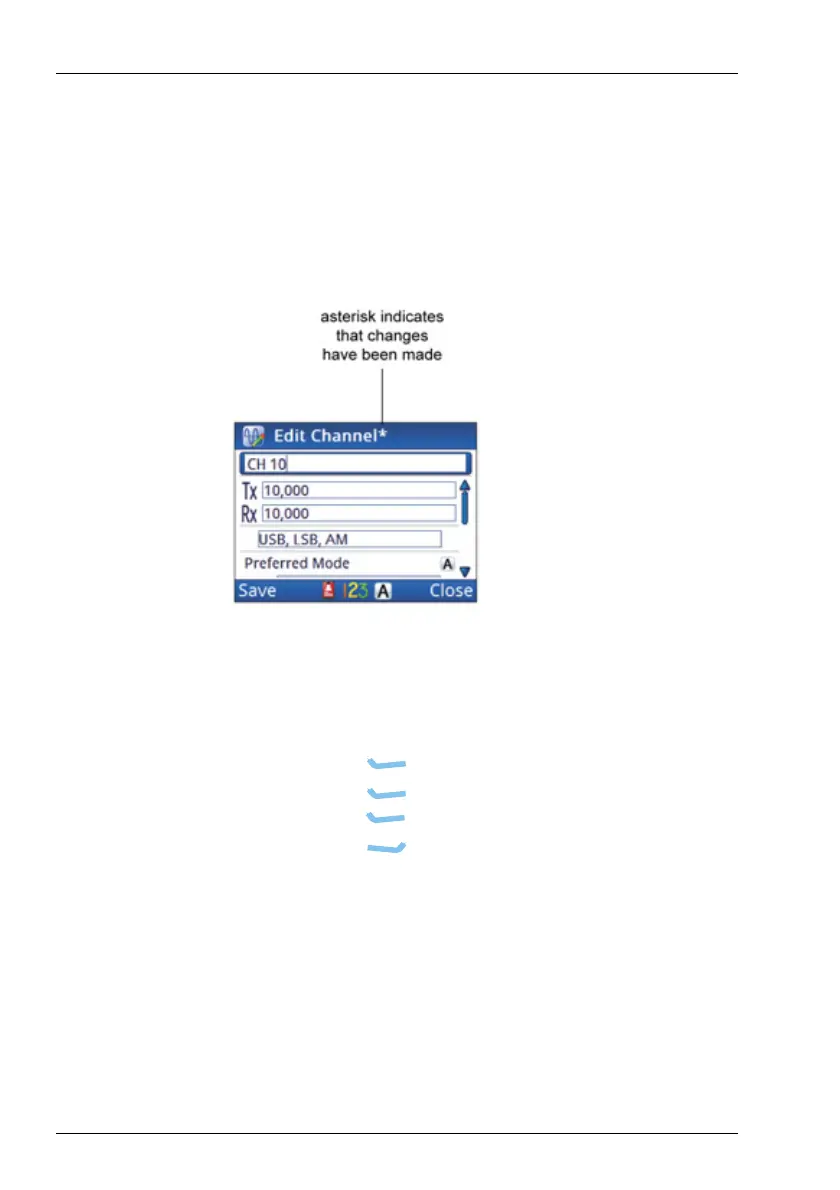
Saving your changes
When information in an entry has been changed, either by editing
existing text or selecting a different value from a list, an asterisk is
added to the title of the screen.
Figure 16: Screen that has changes to be saved
To save changes:
1 Do one of the following:
•Press (Save).
•Press (Options), scroll to Save, then
press (Select).
•Press (Close) to discard the changes.



 To Next Page