NAVIGATING THE MENU STRUCTURE
ENTERING TEXT IN A FIELD
ENVOY™ TRANSCEIVER GETTING STARTED GUIDE 41
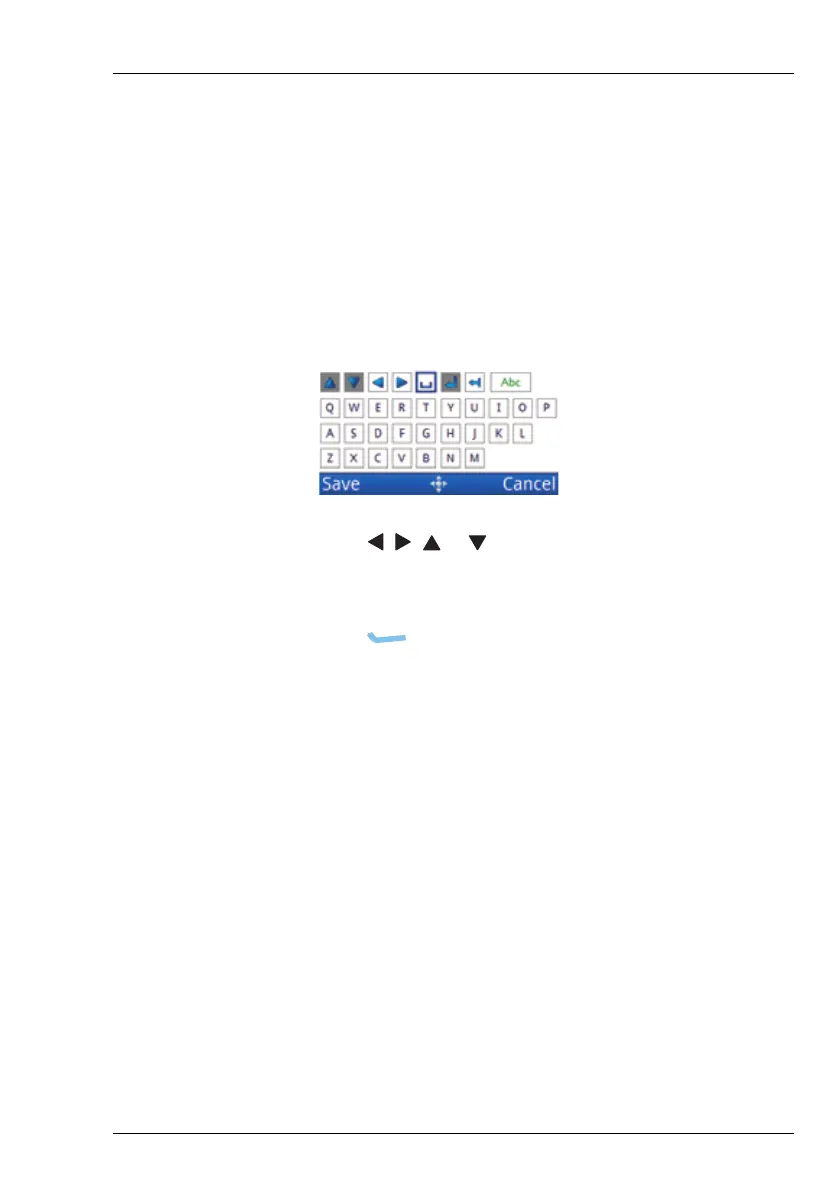
Entering text in the 2221 Handset
The 2221 Handset does not have alphanumeric keys, however, you
can still enter text into fields within the user interface.
To enter text:
1 Navigate to a field in which you can enter text, then
press OK to see the virtual keypad.
1 Press , , or to move the highlight to the character
that you want to select, then press OK.
1 Continue entering text in this manner.
1 Press (Save) to save the information.



 To Next Page