OPERATING THE TRANSCEIVER
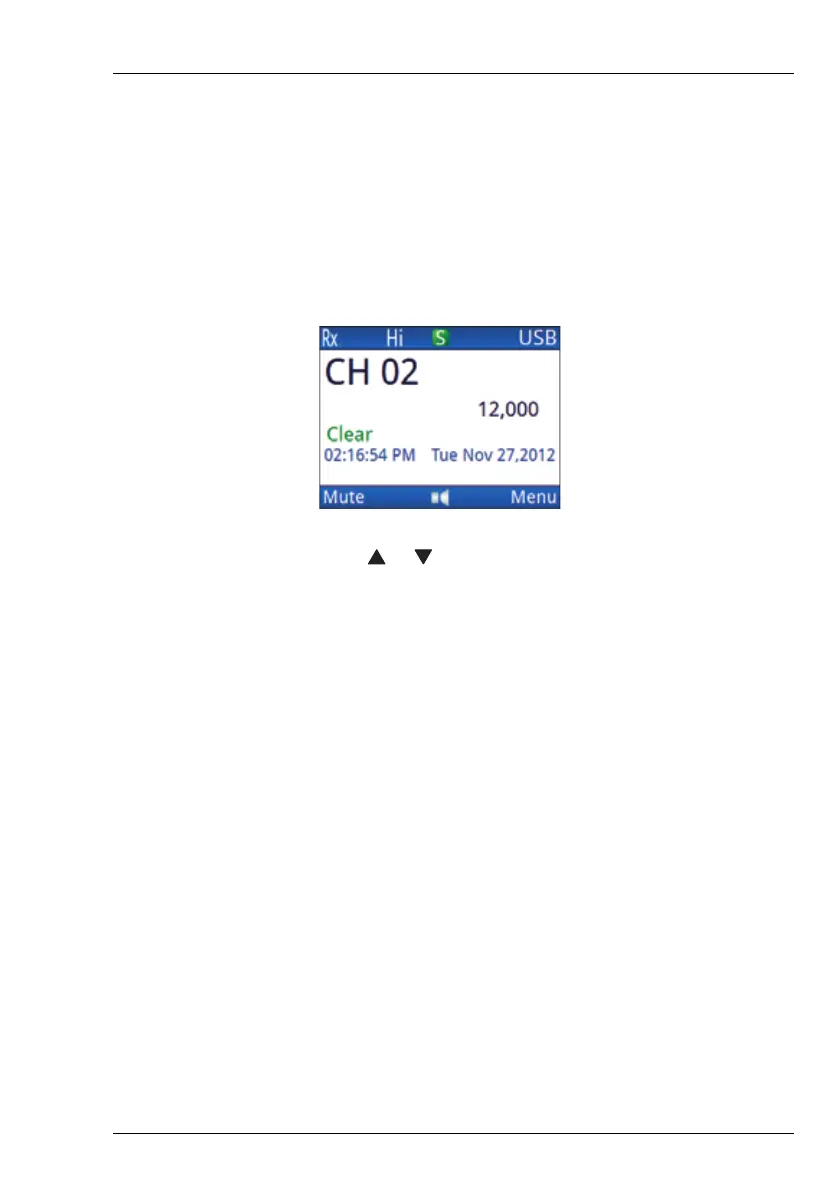
THE CHANNEL SCREEN
ENVOY™ TRANSCEIVER GETTING STARTED GUIDE 51
Selecting a channel
To select a channel:
1 Press PTT to exit to the channel or scanning screen.
1 If the transceiver is scanning, press SCAN to switch off
scanning.
1 Press or to scroll through the channels.
1 Stop scrolling when the channel that you want is shown on
the screen.
The channel is selected.
NOTE: If you want to change the sideband, press
MODE. If the mode does not change there
is only one mode for the channel.
NOTE: If you have an automatic antenna tuner
fitted, press PTT to tune the antenna to the
currently selected channel.
1 Do any of the following:
• Hold OK to edit the channel, if permitted.
•PressOK to search for a channel.
•PressCALL to start a call.
• Hold CALL to go to Contacts.



 To Next Page