NAVIGATING THE MENU STRUCTURE
SELECTING A VALUE FROM A LIST
42 ENVOY™ TRANSCEIVER GETTING STARTED GUIDE
Selecting a value from a list
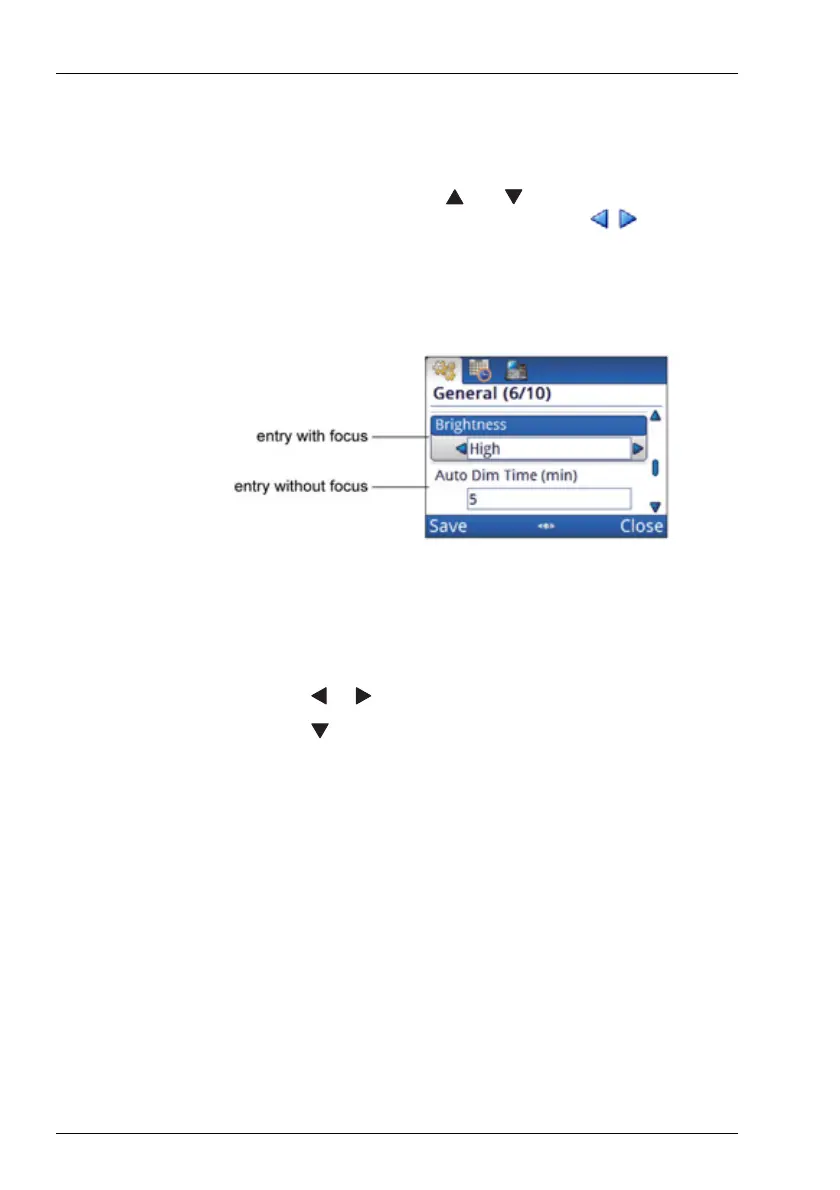
When you select an entry that has a list of values, either by
selecting an icon or using the and navigation keys, the field
is highlighted to show that it can be edited, and / indicators
appear on one or both sides of the field to show that values are
available.
Figure 13: List of entries, with and without focus
To select a value from a list:
1 Navigate to an entry in which you can select a value.
1 Press or to scroll through the list of values available.
1 Press to select the value and move to the next entry.



 To Next Page