OPERATING THE TRANSCEIVER
CALLING
64 ENVOY™ TRANSCEIVER GETTING STARTED GUIDE
1 Press CALL.
To abort the call before it is answered, press PTT or SCAN.
There will be audible beeps or a pop-up message to indicate
that the call has been successful.
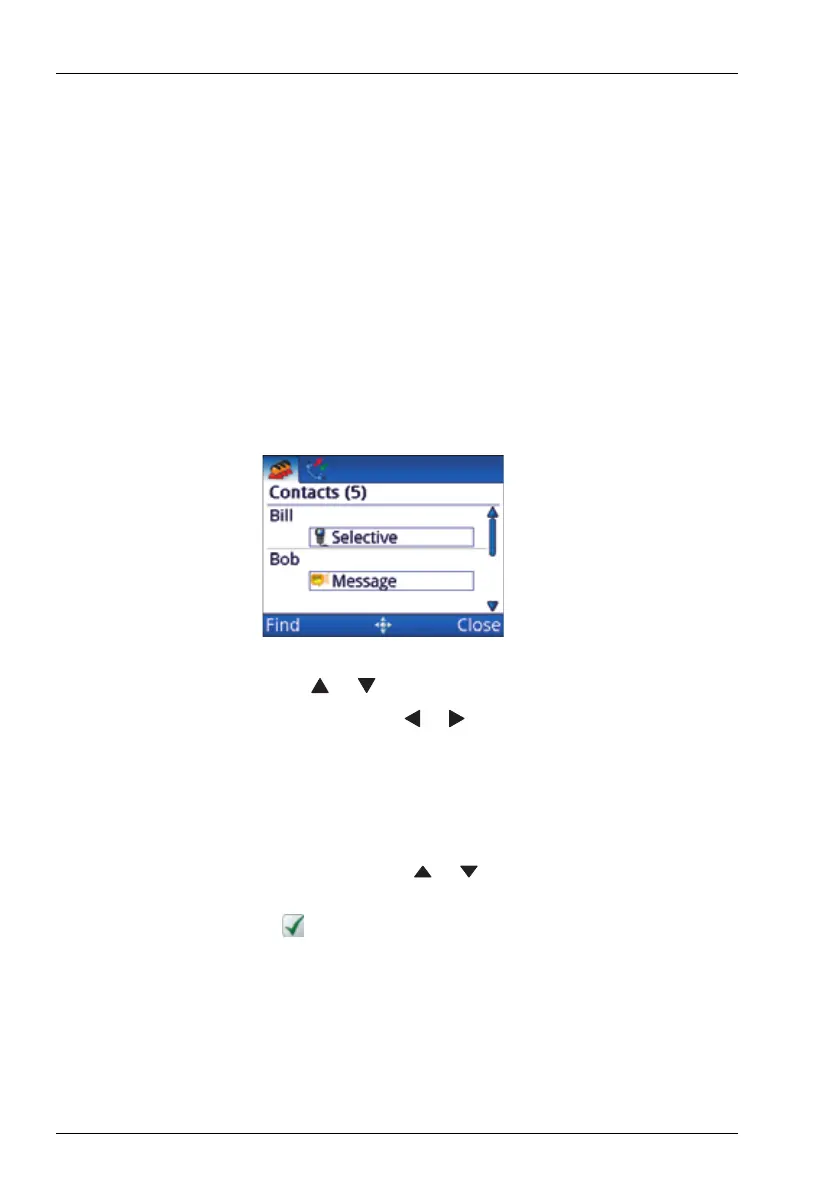
Making a call to a contact
To make a call to a contact:
1 Hold CALL.
1 Press or to scroll to the contact who you want to call.
1 If required, press or to scroll to the call that you want
to make.
The call types that are available for the contact are set up in
User Data > Contacts.
1 Press CALL.
1 If prompted, press or to scroll to the channel that you
want to use.
A is shown next to the currently selected channel/mode.
1 Press CALL.
To abort the call before it is answered, press PTT or SCAN.
There will be audible beeps or a pop-up message to indicate
that the call has been successful.



 To Next Page