CONTACTS
ADDING A CONTACT FROM AN ENTRY IN THE CALL LOG OR CALL HISTORY
ENVOY™ TRANSCEIVER GETTING STARTED GUIDE 75
Adding a contact from an entry in the
Call Log or Call History
You can save information from the Call Log or Call History to
Contacts. This can either be a new call type for an existing contact,
or you can add a new contact to hold this call information. The Call
Log and Call History are separate entities, however, the process for
saving the call information to a contact is the same.
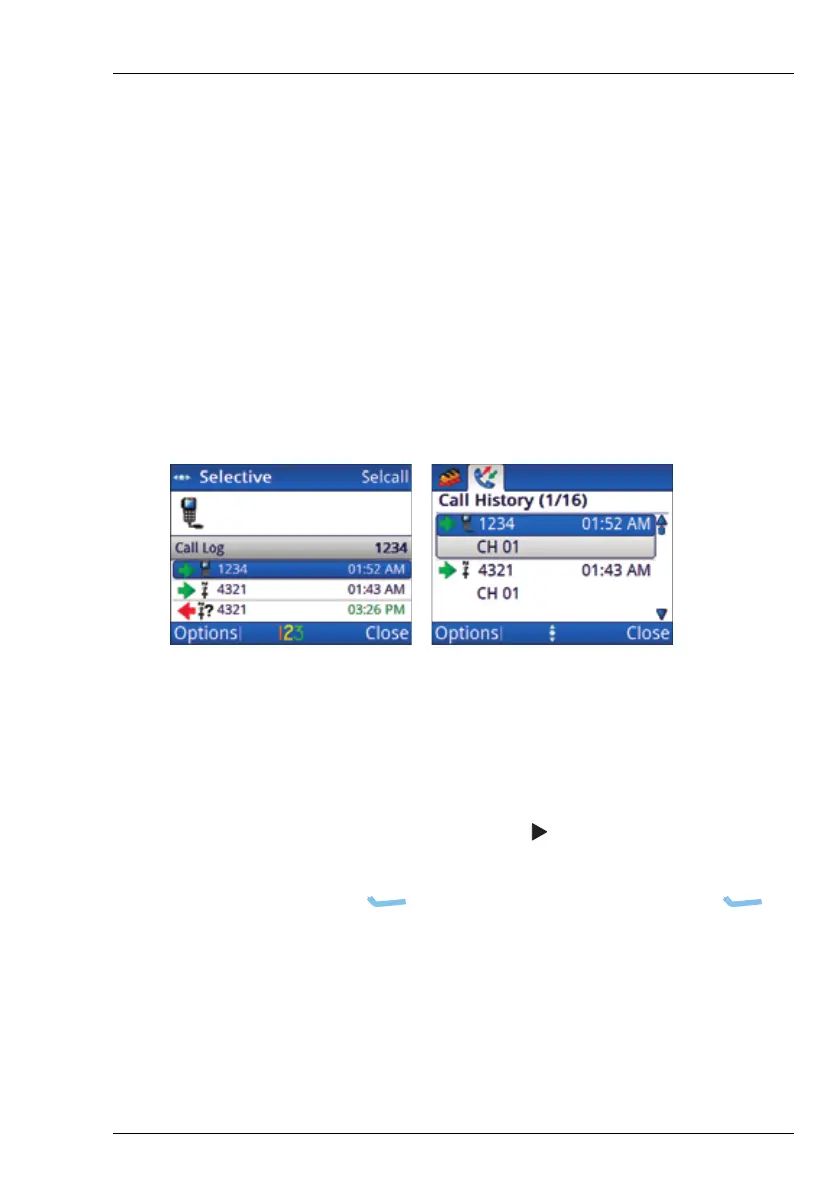
Figure 20: Call Log and Call History
To add a contact from the Call Log or Call History:
1 Do one of the following:
•PressCALL, then scroll to the entry in the Call Log.
• Hold CALL, press , then scroll to the entry in the
Call History.
1 Press (Options), scroll to Save, then press
(Select).
You are informed if there is a matching contact for the
address in the call. If there are no matching contacts, you
can edit the details of the call, then create a new contact.



 To Next Page