OPERATING THE TRANSCEIVER
CALLING
ENVOY™ TRANSCEIVER GETTING STARTED GUIDE 65
Making a call from the Call History
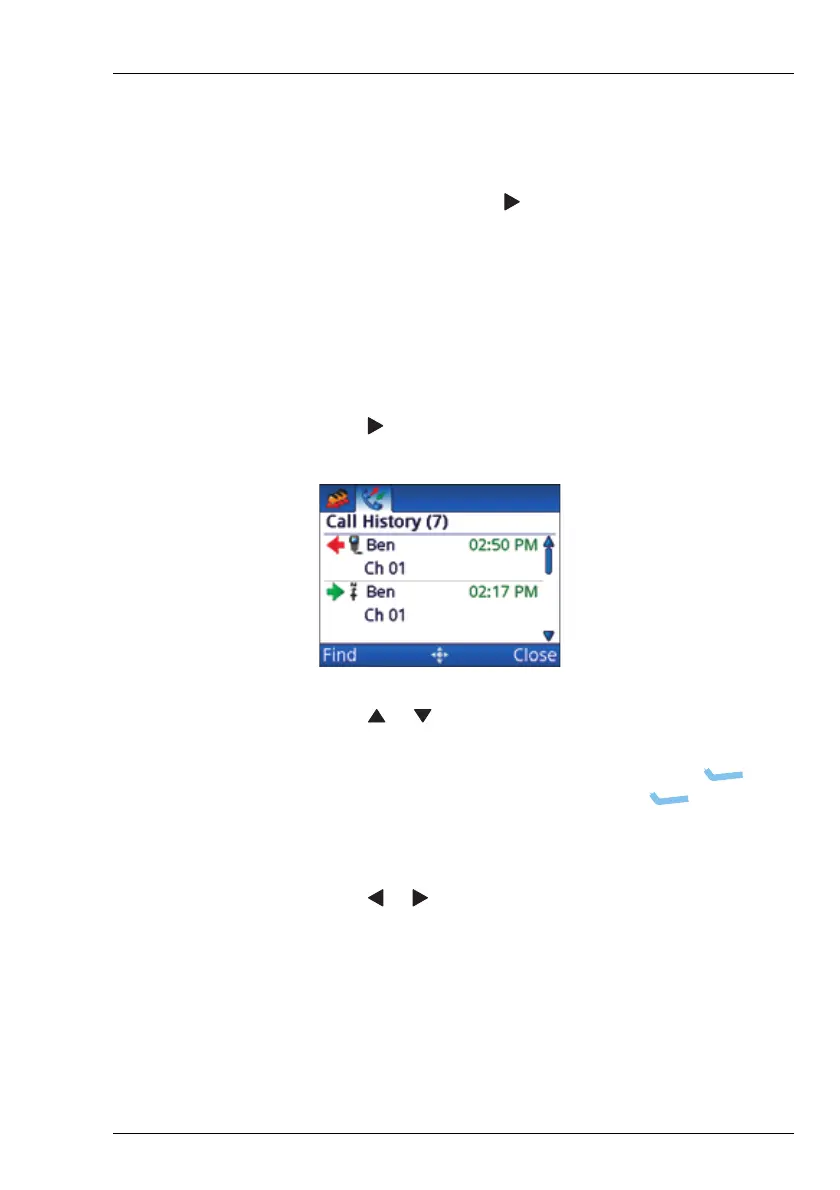
The Envoy™ Transceiver stores information on the calls that you
send and receive. The detailed call history is accessed by
holding CALL, then pressing to scroll to the Call History tab.
NOTE: A filtered call log is available in the call screen.
This log contains only the latest instance of a call
to a specific station.
To make a call from the Call History:
1 Hold CALL.
1 Press to scroll to the Call History tab.
1 Press or to scroll to the call that you want to return or
repeat, then press CALL.
1 If you want to view the details of the call, press
(Options), scroll to Details, then press (Select).
Press OK to exit viewing the details.
1 Press CALL.
1 Press or to change the call type, if required.
1 Continue from making your chosen call type.



 To Next Page