Horizon Imager User’s Manual 4-3
0HGLD+DQGOLQJDQG6WRUDJH
9LHZLQJWKH6WDWXVRID6XSSO\6ORW
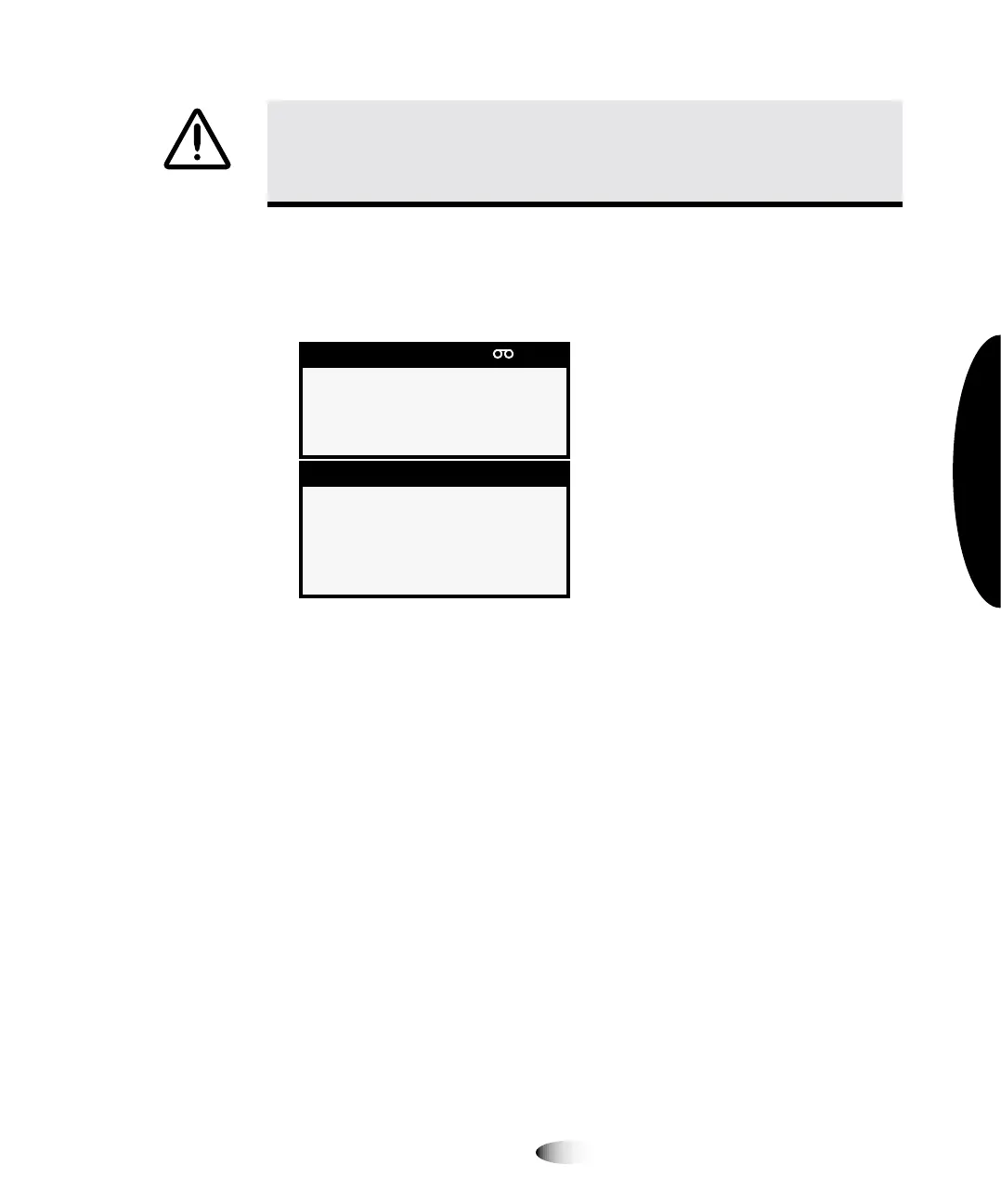
The Status screen shows the status of each supply slot, including
media type, size, and number of sheets remaining in the cassette.
The cassette information in the Status screen does not update if:
The top cover is open
The receive tray is removed
The imager is printing
oÉÅÉáîÉ=qê~óë
The Horizon imager has three receive trays. By default, sheets are
printed to the receive tray that corresponds with the supply slot
used. For example, if a sheet was fed from a cassette in supply slot
1, then the printed sheet is output to receive tray 1.
127(
7RRYHUULGHWKHGHIDXOWUHFHLYHWUD\VRPH',&20XVHUDSSOLFDWLRQVZLOODOORZ\RXWR
VHOHFWWKHGHVLUHGUHFHLYHWUD\<RXFDQDOVRFKRRVHDUHFHLYHWUD\LQWKH3RVW6FULSWSULQWHU
VHWWLQJVUHIHUWR&KDSWHU RUXVHD-RE6HWWLQJVILOHWKDWVSHFLILHVDVSHFLILFUHFHLYHWUD\
UHIHUWRWKH+RUL]RQ,PDJHU7HFKQLFDO0DQXDO
&$87,21
'RQRWUHILOODFDVVHWWH'RQRWWDPSHUZLWKRUUHPRYHWKHEDUFRGHODEHO
7KHFDVVHWWH¶VEDUFRGHLQIRUPDWLRQLVHVVHQWLDOIRUHQVXULQJGLDJQRVWLFLPDJHTXDOLW\
&RPSURPLVLQJWKHFDVVHWWHLQDQ\ZD\MHRSDUGL]HVWKHTXDOLW\DQGUHOLDELOLW\RIWKH
LPDJHU
6XSSO\ &0<
; '9%OXH
$ &93DSHU
; '9%OXH
6WDWXV 2.
VKHHWVTXHXHG
3



 To Next Page