3-4 Basic Imager Operations
lÄëÉêîá åÖ=íÜ É=fã~Ö ÉêÛë=léÉê~íáåÖ=pí~íìë=
áå=íÜÉ=pí~íìë=pÅêÉÉå
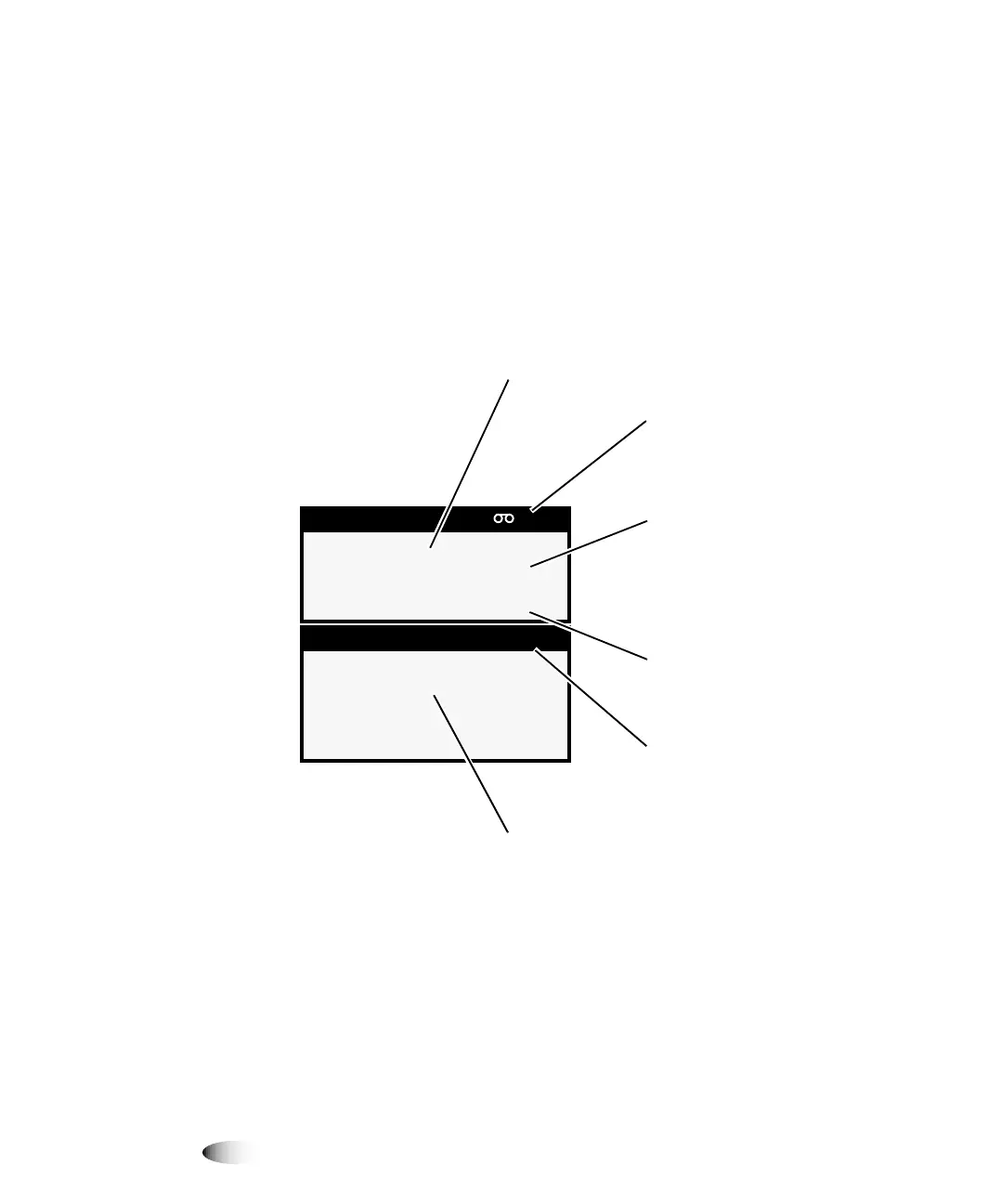
The Status screen allows you to observe the imager status. The top
portion of the Status screen—the Supply window—displays the
status of the three supply cassettes and whether a color ribbon is
installed. The bottom portion of the screen—the Status window—
displays printing status messages and the imager’s operational state.
6XSSO\ &0<
; '9%OXH
$ &93DSHU
; '9%OXH
6WDWXV 2.
6KHHWVTXHXHG
,QGLFDWHVWKDWFRORUULEERQ
LVLQVWDOOHGDQGLWVVWDWXV
6XSSO\ZLQGRZ,QGLFDWHV
VWDWXVRIVXSSO\VORWV
1XPEHURIVKHHWVOHIWLQ
FDVVHWWH
6WDWXVZLQGRZVWDWXV
PHVVDJHVGLVSOD\HGKHUH
2SHUDWLRQDOVWDWH2.
$/(57RU)$8/7
:KHQDFWLYLW\RFFXUVHDFK
VXSSO\HQWU\WRJJOHVZLWK
DFWLYLW\VWDWXVUHODWHGWR
FDVVHWWHSURFHVVLQJSULQWLQJ
FDOLEUDWLQJPHGLDMDP



 To Next Page