Horizon Imager User’s Manual 3-13
%DVLF,PDJHU2SHUDWLRQV
`çåíêçä=m~åÉä=aáëéä~ó
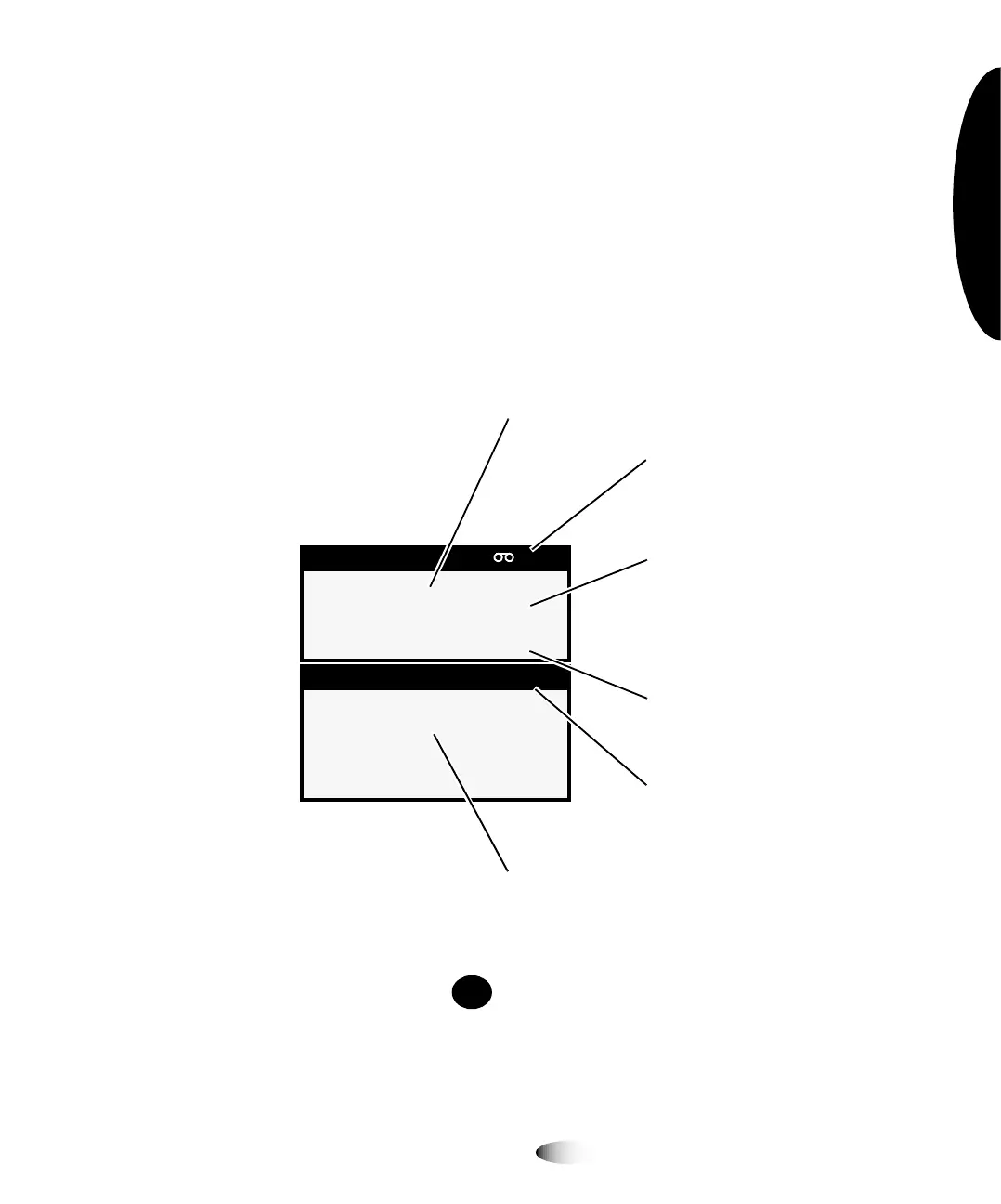
6WDWXV6FUHHQ
When not displaying the Menu or Help screens, the control panel
displays the Status screen. The top portion of the Status screen—the
Supply window—displays the status of the three supply cassettes
and whether a ribbon is installed. The bottom portion of the
screen—the Status window—displays printing status messages and
the imager’s operational state.
To get additional information about the currently selected status
message, press the key. For more information, refer to “Using
Online Help” on page 3-23.
6XSSO\ &0<
; '9%OXH
$ &93DSHU
; '9%OXH
6WDWXV 2.
6KHHWVTXHXHG
,QGLFDWHVWKDWFRORUULEERQ
LVLQVWDOOHGDQGLWVVWDWXV
6XSSO\ZLQGRZ,QGLFDWHV
VWDWXVRIVXSSO\VORWV
1XPEHURIVKHHWVOHIWLQ
FDVVHWWH
6WDWXVZLQGRZVWDWXV
PHVVDJHVGLVSOD\HGKHUH
2SHUDWLRQDOVWDWH2.
$/(57RU)$8/7
:KHQDFWLYLW\RFFXUVHDFK
VXSSO\HQWU\WRJJOHVZLWK
DFWLYLW\VWDWXVUHODWHGWR
FDVVHWWHSULQWLQJFDOLEUDWLQJ
PHGLDMDP
+(/3



 To Next Page