3-18 Basic Imager Operations
k~îáÖ~íáåÖ=íÜÉ=`çåíêçä=m~åÉä=aáëéä~ó
From the control panel, you press the appropriate keys to access
menus, make menu selections, and enter data into the imager.
To demonstrate how to navigate the control panel display, let’s
assume you want to change the imager’s IP address. Here is what
you would do.
1. At the imager’s control panel, press and hold the key, and
while holding it press the key.
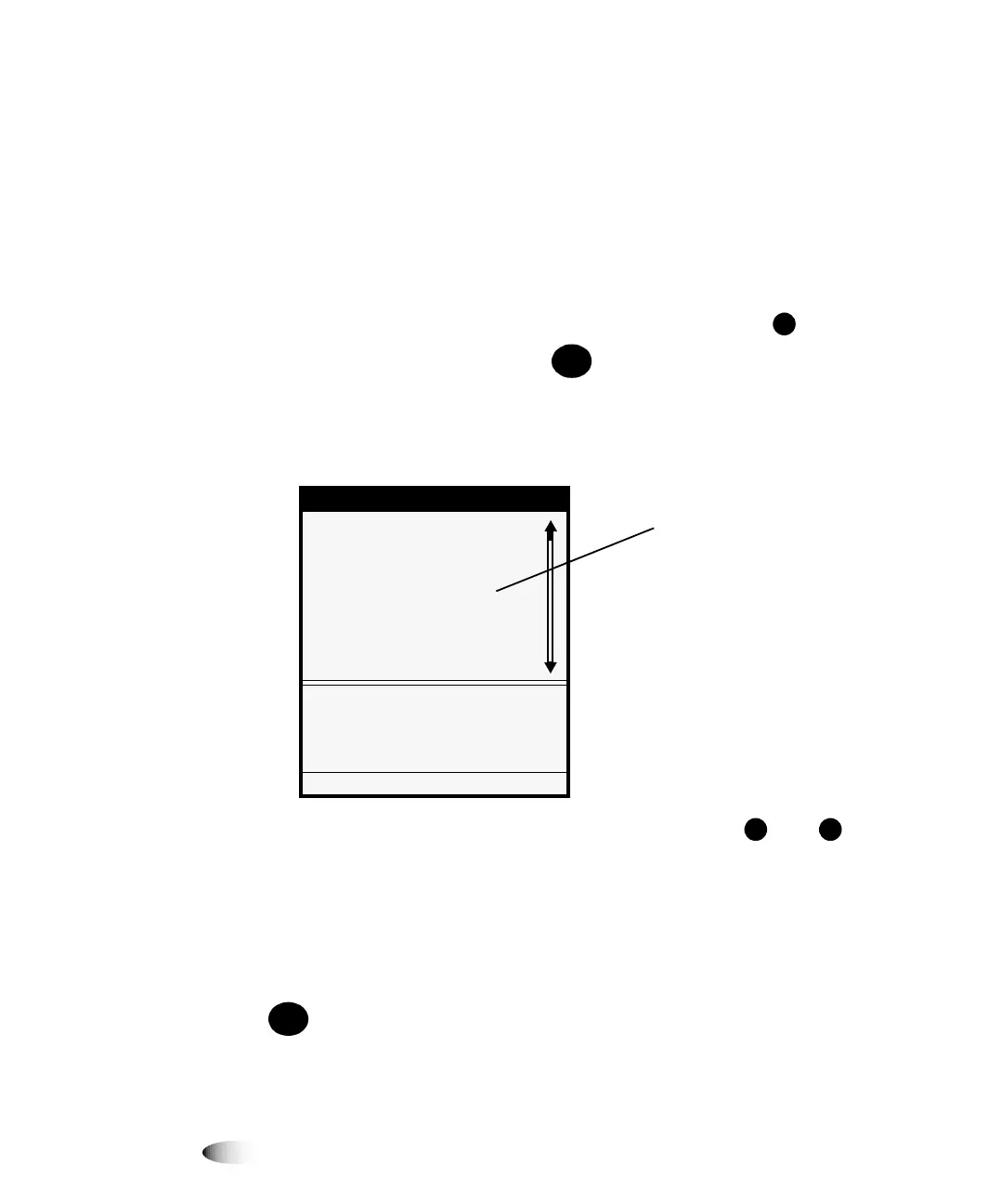
The Main Menu with administrative options displays. The
selector arrow automatically points to the first menu option.
2. To scroll through the menu options, press the and keys.
The selector arrow (
) moves up and down through the list.
The bottom portion of the control panel display shows a
message associated with the currently selected menu option.
7,3
'LVSOD\LQJPRUHLQIRUPDWLRQDERXWDPHQXRSWLRQ
<RXFDQGLVSOD\PRUHLQIRUPDWLRQDERXWWKHFXUUHQWO\VHOHFWHGPHQXRSWLRQE\SUHVVLQJWKH
NH\
8
7RQDYLJDWH
WKHFRQWURO
SDQHODQG
HQWHUDQ,3
DGGUHVV
0(18
0HQX
'HIDXOW8VHU6HWWLQJV
'HIDXOW0HGLD
2SHQ7RS&RYHU
/RDG5HPRYH5LEERQ
&XVWRP-RE6HWWLQJV
8WLOLWLHV
7HVW3ULQWV
3ULQW)URP86%'ULYH
6HWXSGHIDXOWDSSHDUDQFHRI
SULQWVIRUHDFKPHGLDW\SH
3UHVV0(18WRH[LWPHQXV
(OOLSVHVIROORZLQJD
PHQXRSWLRQLQGLFDWHWKDW
VHOHFWLQJWKDWRSWLRQZLOO
GLVSOD\DIROORZXSVFUHHQ
IRUYLHZLQJDQGVHOHFWLQJ
DGGLWLRQDORSWLRQVHQWHULQJ
GDWDRUYLHZLQJ
LQIRUPDWLRQ
/
+(/3



 To Next Page