Horizon Imager User’s Manual 2-13
6HWWLQJ8SWKH,PDJHU
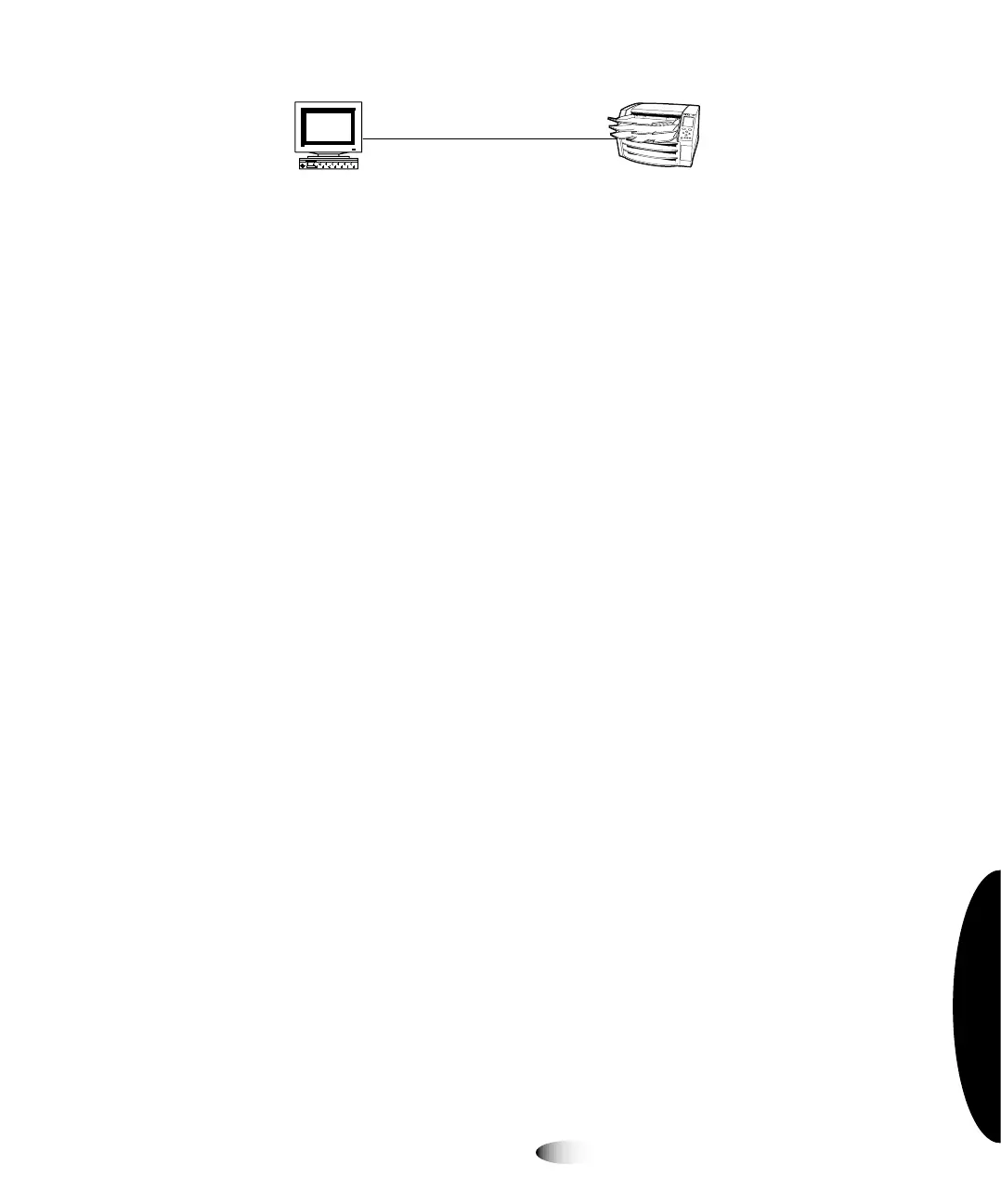
6LPSOH1HWZRUNZLWK(WKHUQHW&URVVRYHU&DEOH
In addition to physically connecting an Ethernet cable to the imager,
you have to define an IP (Internet Protocol) address for the imager.
This address uniquely identifies the imager on the network.
péÉÅáÑóáåÖ=íÜÉ=fã~ÖÉêÛë=fm=^ÇÇêÉëë
You must specify an IP address for the imager. This address
uniquely identifies the imager on the network.
'HWHUPLQLQJDQ,3$GGUHVV
Remember that the network connection discussion in this manual
covers only simple networks—we are assuming that the imager and
other devices on this simple network do not have to communicate
with devices on other networks. If this is true of your network, then
you only have to make sure that device IP addresses within this
network are unique.
127(
,IGHYLFHVRQWKLVQHWZRUN
GR
KDYHWRFRPPXQLFDWHZLWKGHYLFHVRQRWKHUQHWZRUNV
LWLVSDUWRIDFRPSOH[QHWZRUN,QDGGLWLRQWRVSHFLI\LQJWKHLPDJHU¶V,3DGGUHVVWKHLPDJHU¶V
VXEQHWPDVNDQGJDWHZD\,3DGGUHVVPD\KDYHWREHVSHFLILHG)RUPRUHLQIRUPDWLRQDERXW
FRQILJXULQJWKH+RUL]RQLPDJHULQDFRPSOH[QHWZRUNUHIHUWRWKH+RUL]RQ,PDJHU7HFKQLFDO
0DQXDO
IP addresses have the format
x
.
x
.
x
.
x
, where
x
is a value from 0 to
255. Certain IP address series have been reserved for special use by
the Internet community. One series has been reserved for
independent networks, like the simple network described
previously in this chapter, that are self-contained and not connected
to other networks. In this series, IP addresses have the format
192.168.
x
.
x
, for which you get to define the last two parts in the
address.
View Workstation
Horizon Imager
Ethernet Crossover Cable
3



 To Next Page