6-10 Printing via PostScript
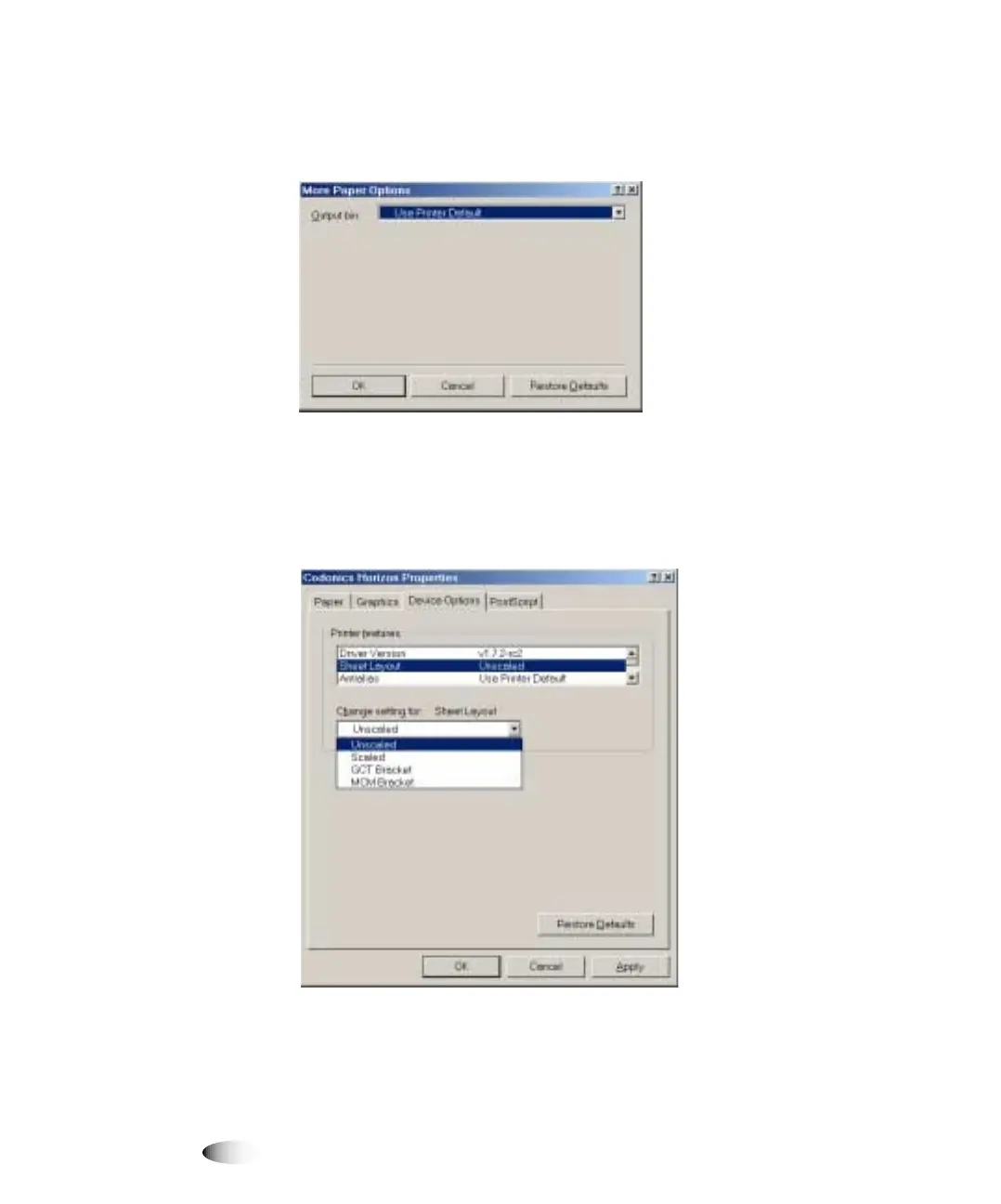
5. To specify an output bin, click the
0RUH2SWLRQV
button.
The More Options dialog box displays.
6. Select the output bin, or use the printer default, then click
2.
.
7. To specify any of the other Horizon PostScript settings, go to the
Device Options tab.



 To Next Page