Horizon Imager User’s Manual 6-19
3ULQWLQJYLD3RVW6FULSW
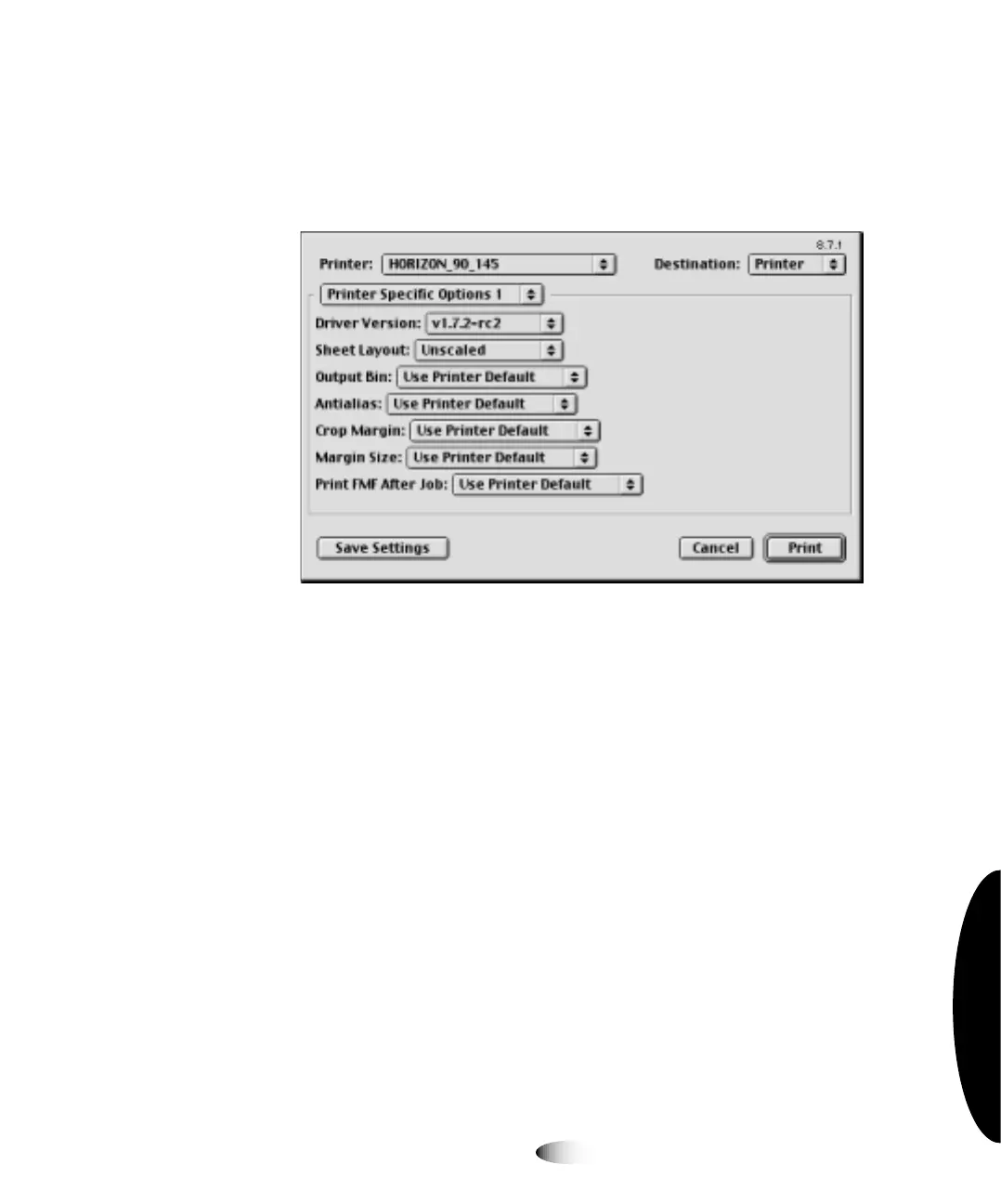
For OS 8 and 9, the Print dialog box will include a
)HDWXUHV
button,
3ULQWHU6SHFLILF2SWLRQV
pop-up menu selection (shown
below), or other method for choosing the Horizon-related
parameter settings.
Depending on the application from which you are printing, the
print parameters may organized as print job, sheet, and image sets.
Table 6-2 on page 6-21 describes each of the parameters. For
additional information about Horizon print parameters, refer to
Appendix D and to the
Horizon Imager Technical Manual
.



 To Next Page