Horizon Imager User’s Manual 12-23
7URXEOHVKRRWLQJ
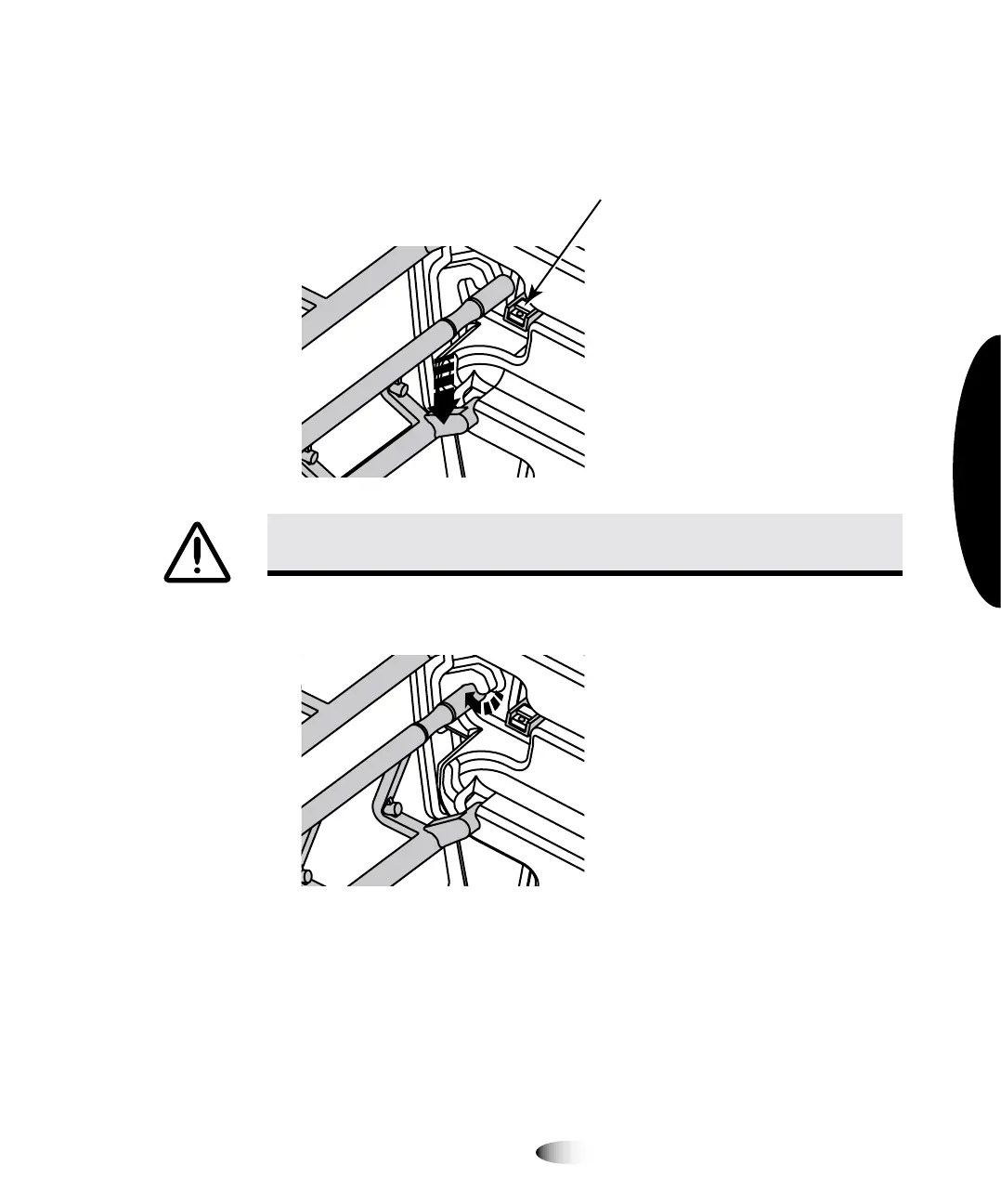
2. Insert the bottom leg of the media guide in both sides of the
imager, as shown in the following figure.
3. Rotate the top leg into place, as shown below.
&$87,21
%HFDUHIXOQRWWRVFUDWFKWKHSROLVKHGVKHHWPHWDORUGDPDJHWKHVHQVRU
QHDUWKHXSSHUJXLGHQRWFK
DO NOT DAMAGE
SENSOR



 To Next Page